Welcome!

Programming with LLMs in R and Python

posit::conf(2026)

2026-09-14

Welcome to Programming with LLM APIs !

  • Find a seat where you can see the screen!

  • Update your local copy of the workshop:
    posit-conf-2026.github.io/llms/setup.html

  • Join the Discord: pos.it/joinconf26

  • wifi(
      network=“Posit Conf 2026”,
      password=“conf2026”
    )

  • Conference details: conf.posit.co/2026

🤝 Introductions 🤝

Meet us

Instructors

Garrick Aden-Buie and Sara Altman

Teaching assistants

Kristin Bott, Alex Chisholm, and Carson Sievert

Code of Conduct

Please Review: posit.co/code-of-conduct

💙 Treat everyone with respect
🧡 Everyone should feel welcome and safe

Reporting:

🗣️ any posit::conf staff member (t-shirt) or Info desk
📧 codeofconduct@posit.co

Meet each other

  • 👋 Hi, my name is …

  • 🤖 I’d call myself an AI… [skeptic, pragmatist, enthusiast]

  • ⚡ Share a moment when AI surprised you

About posit::conf(2026)

Wi-Fi

wifi(“Posit Conf 2026”, password=“conf2026”)

posit::conf(2026) Things to Know

  • 🚻 Gender-neutral bathroom: _____

  • 🧘 Meditation/prayer room: _____

  • 🤱 Lactation room: _____

  • 🎉 Welcome reception: _____

posit::conf(2026) Social Media

  • Red lanyards available to those who don’t wish to be photographed

  • Conference hashtag: TODO

Conference details

September 14-16, 2026

Hilton Americas-Houston

conf.posit.co/2026

🙋 🙋‍♀️ 🙋‍♂️
Please ask questions!

About this workshop

🏡 posit-conf-2026.github.io/llms

Everything you need, in one place.

Discord

  1. Open pos.it/joinconf26
  2. Accept the Discord invitation
  3. Set your display name to the name you used to register
  4. Join us in workshop-llms-r-python

Schedule

Time Activity
09:00 - 10:30 💬 Talking with LLMs via Code
10:30 - 11:00 Coffee break
11:00 - 12:30 💻 Programming with LLMs
12:30 - 13:30 🍽️ Lunch break
13:30 - 15:00 🔍 Augmented Generation
15:00 - 15:30 Coffee break
15:30 - 17:00 🚀 Beyond Tools

Schedule (the important bits)

Time Activity
09:00 - 10:30 💬 Talking with LLMs via Code
10:30 - 11:00 Coffee break
11:00 - 12:30 💻 Programming with LLMs
12:30 - 13:30 🍽️ Lunch break
13:30 - 15:00 🔍 Augmented Generation
15:00 - 15:30 Coffee break
15:30 - 17:00 🚀 Beyond Tools

Stickies

🟩

All good
I’m done

🟥

Not great
Need time or help

Computering

Setup

  1. Head to posit-conf-2026.github.io/llms/setup.html

  2. Clone our workshop repo posit-conf-2026/llms

  3. Open the project in Positron

  4. Install all the packages:

    • R: pak::local_install_deps()
    • Python: uv sync -p 3.14

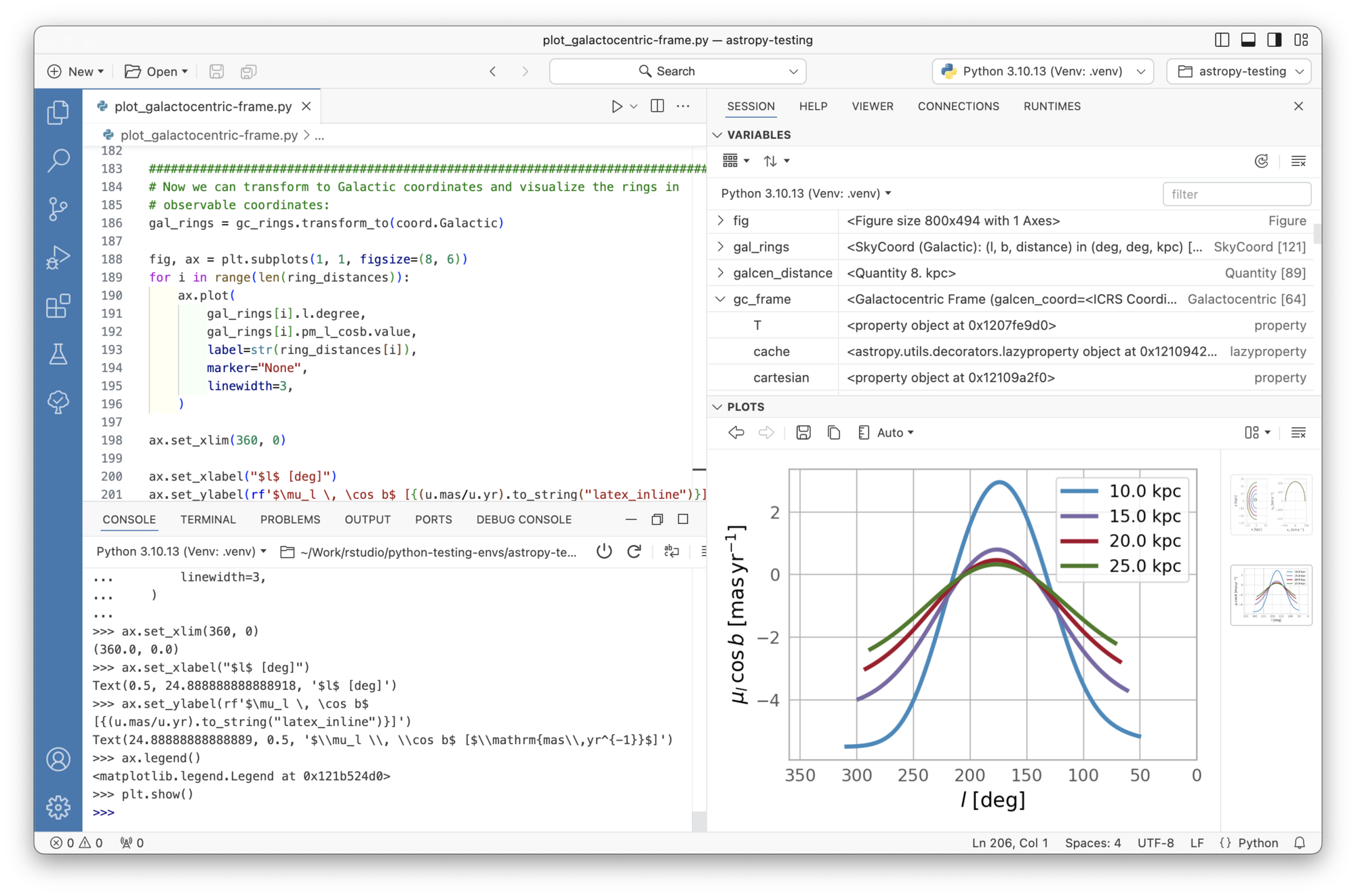
We’re using Positron

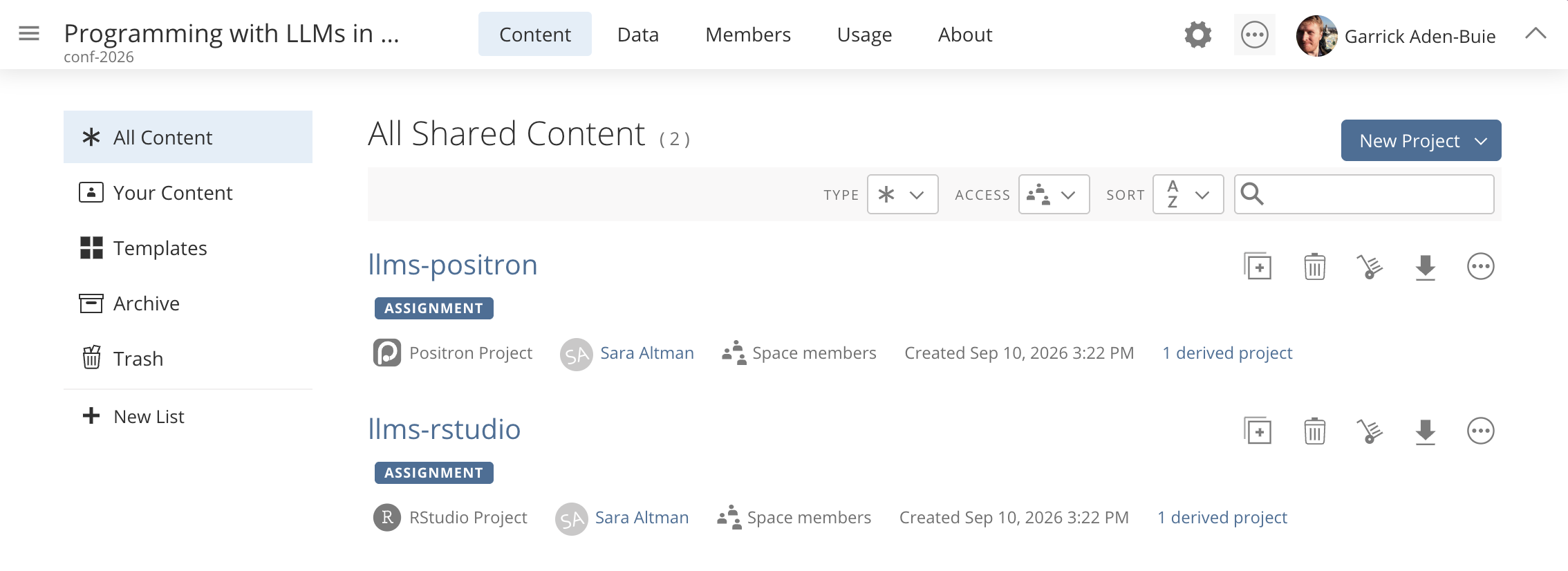
Set up your Posit Cloud space

Join us at https://bit.ly/conf26-llms

Pick: Positron or RStudio?
Positron: Open the project
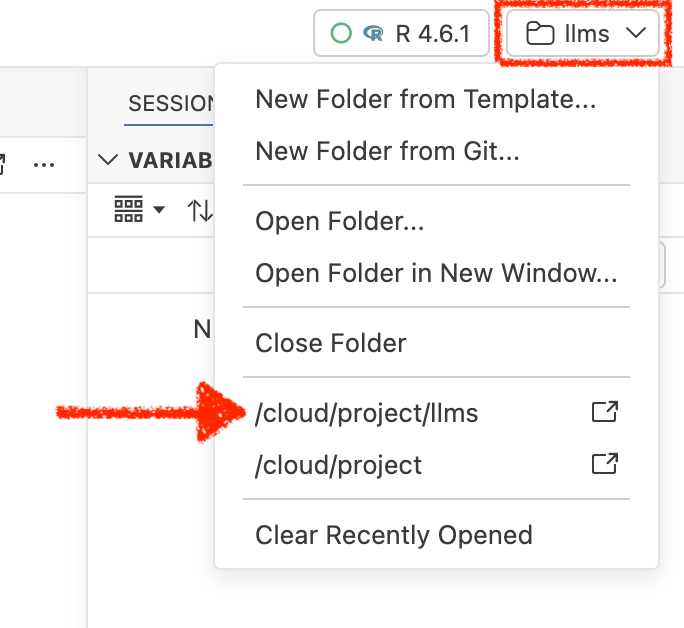
File organization

_exercises/ Files for Your Turn exercises
_solutions/ Solutions to those exercises
_demos/ Files for stuff we demo
website/ The website and slides
./* Lots of project related files you can ignore

Exercise Solutions

👨‍💻 👩‍💻 _exercises/01_hello-llm/01_hello-llm.R
   🫣    _solutions/01_hello-llm/01_hello-llm.R

Also in Python:
👨‍💻 👩‍💻 _exercises/01_hello-llm/01_hello-llm.py
   📓    _exercises/01_hello-llm/01_hello-llm.pynb
   🫣    _solutions/01_hello-llm/01_hello-llm.py

Let’s Dive In!

..to our first activity!

To use an AI API you need…

an account with a provider!

How to use an AI provider, the usual way

aka. how to give OpenAI your money

  1. 🆙 Sign up for an account with OpenAI or Anthropic

  2. 💳 Add a payment method

  3. 🔑 Get an API key

  4. 💾 Store it in .Renviron or .env file
    as OPENAI_API_KEY or ANTHROPIC_API_KEY

Today we’ll use Posit AI Pass!

  1. Go to posit.ai and sign up for a Free account
    with the email you used to sign up for the workshop

  2. You’ll get a credit grant for the day –
    no API keys, no payment info, no subscription needed

  3. Use it for all of our activities today.
    Play and explore! But please be considerate :)

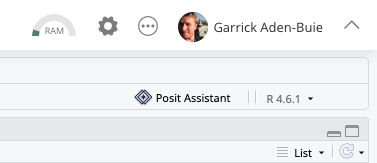
Turn on Posit Assistant
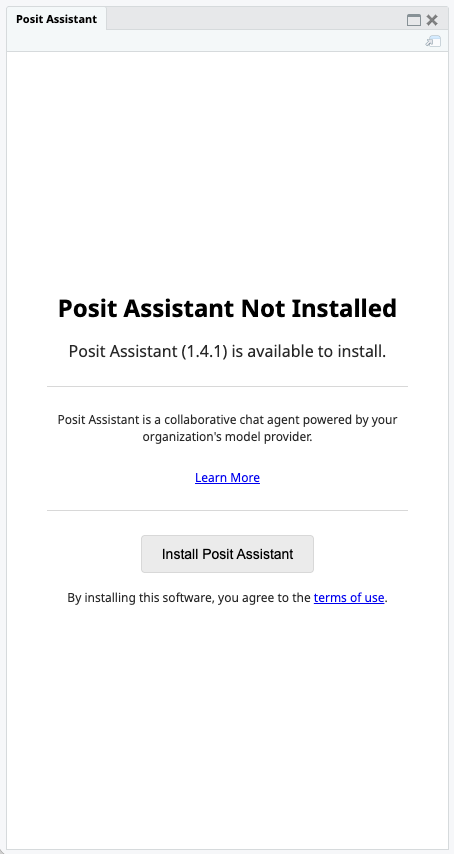
Install Posit Assistant
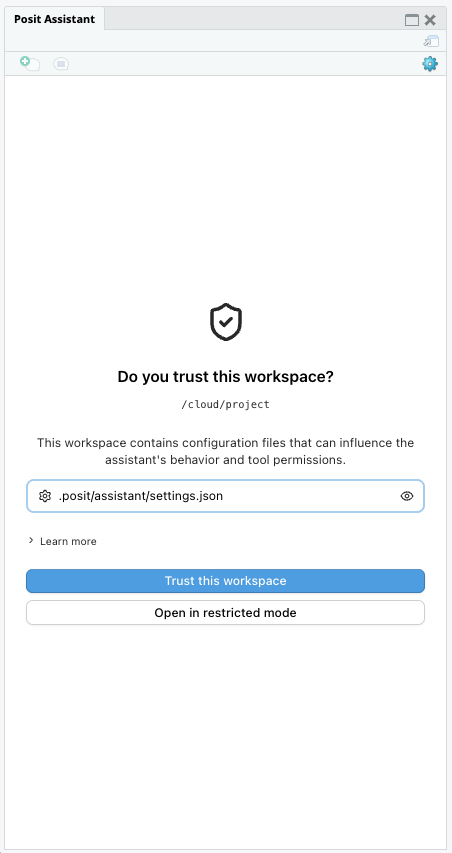
Trust the workspace
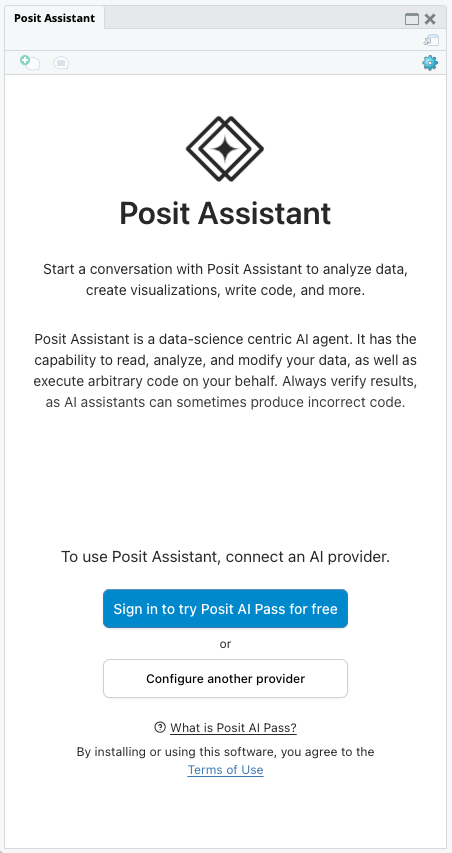
Sign in to Posit AI
You’re ready to chat
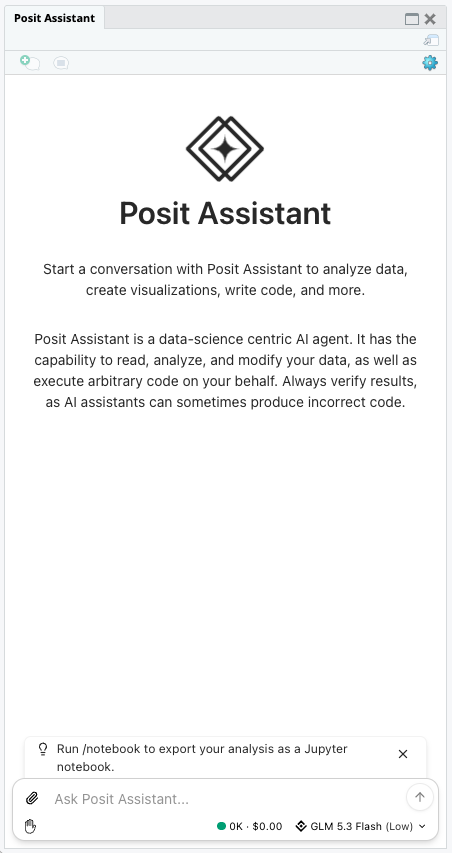
Ask Posit Assistant when you’re stuck

  • Just ask it for help directly!

  • Use /help if you get stuck

  • Or /explain if you want an explanation for anything

  • Or /check-my-work if you want kudos or a second look

Your Turn 01_hello-llm

  1. 🔑 Log in to Posit Assistant or posit.ai
    with the email you used to sign up for the workshop

  2. 🤖 Run the code in _exercises/01_hello-llm

  3. 💬 Paste the result into Posit Assistant and ask it to
    critique your social media post