Programming with LLMs

Programming with LLMs in R and Python

posit::conf(2026)

2026-09-14

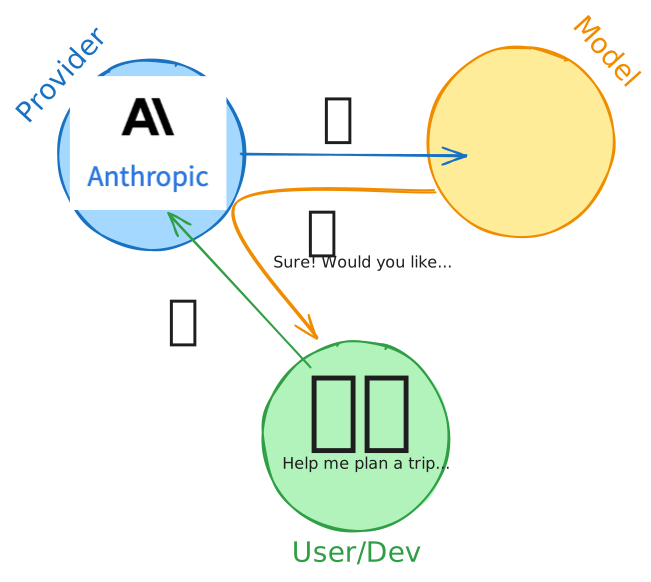
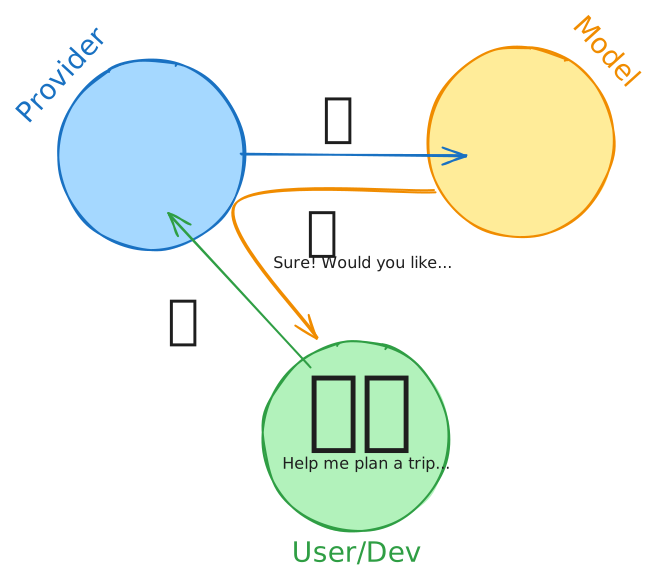
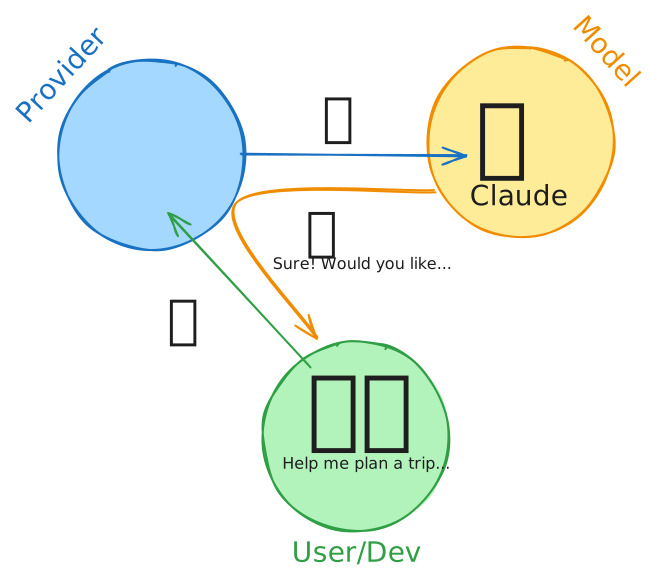
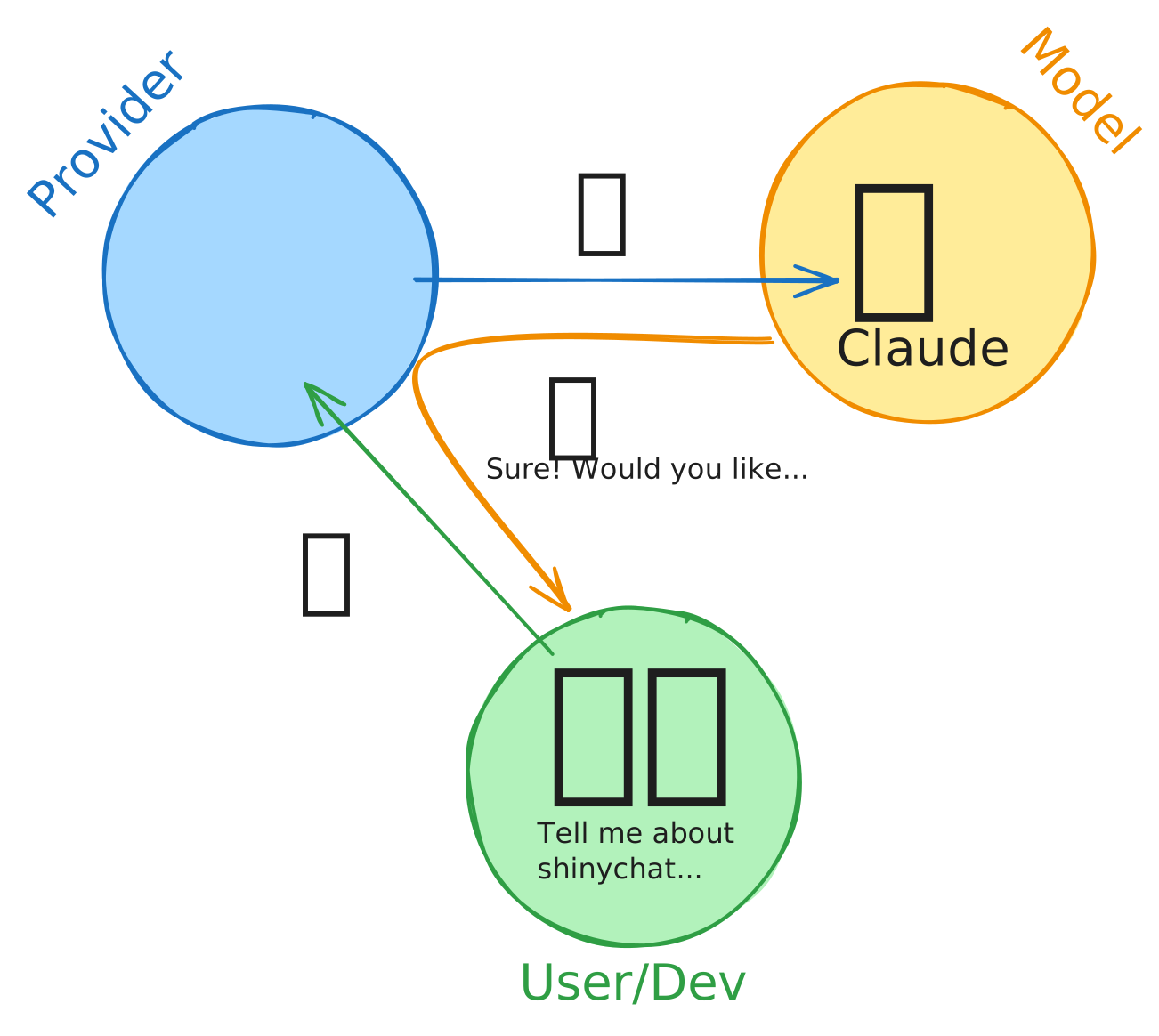
Providers and Models

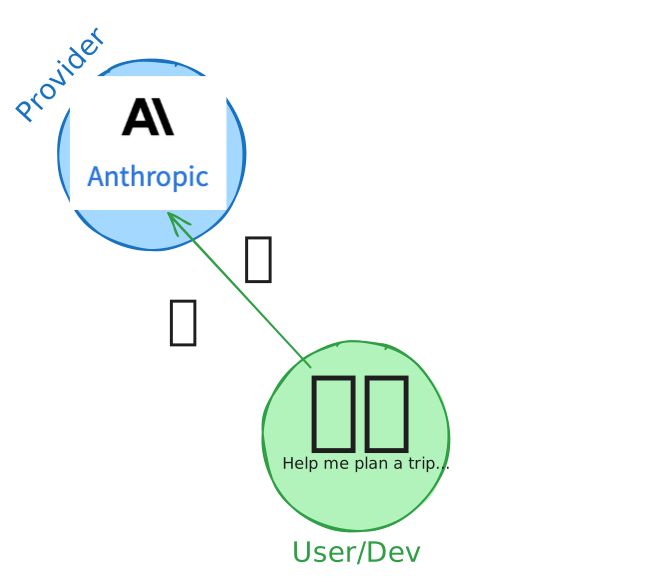
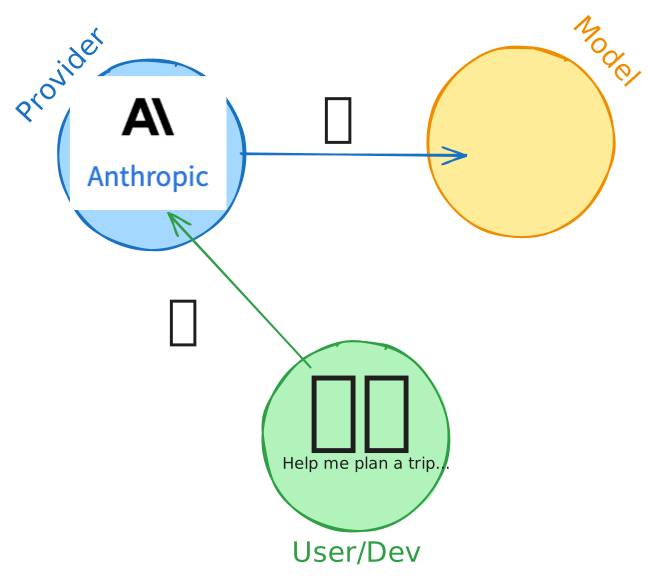
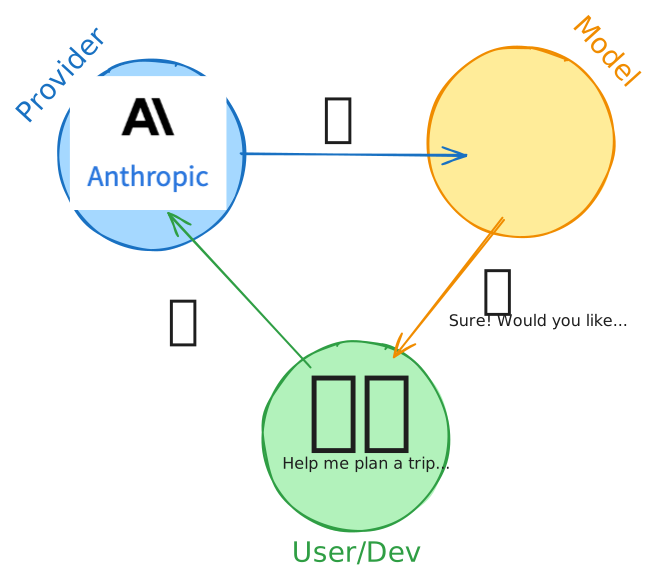
Provider
company that hosts and serves models
Model
a specific LLM with particular capabilities

How are models different?

  1. Context: How many tokens can you give the model?
  2. Speed: How many tokens per second?
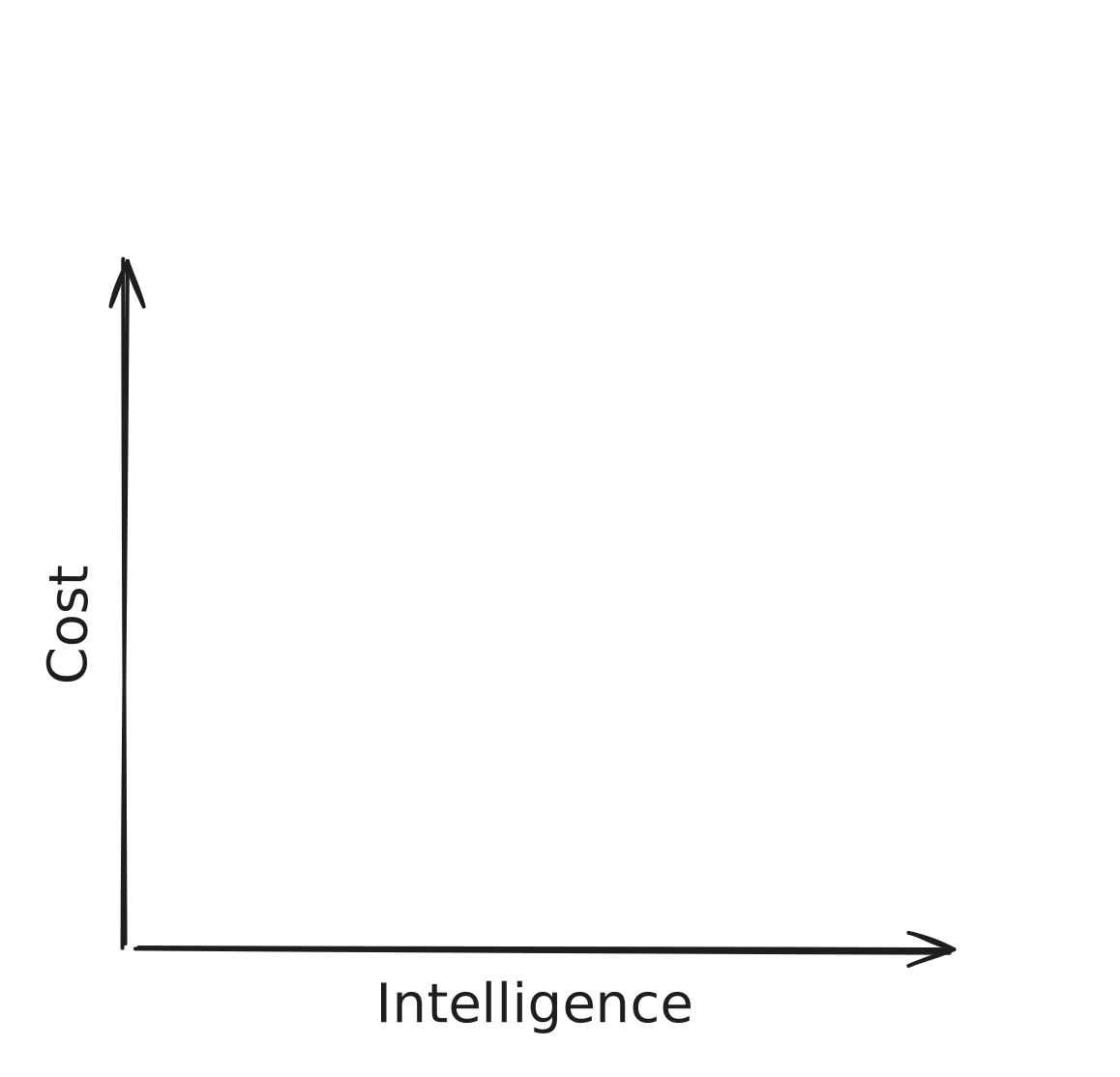
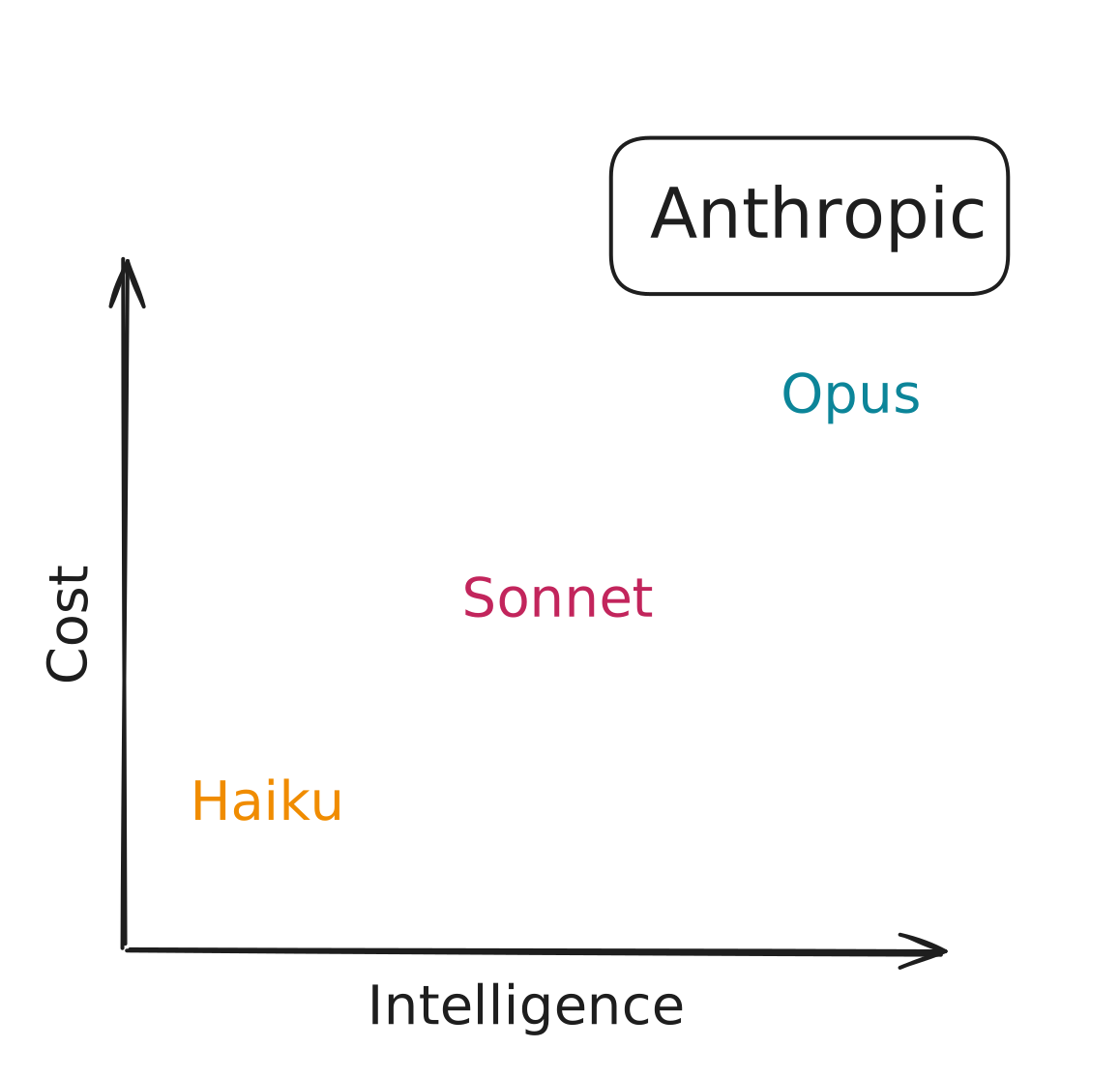
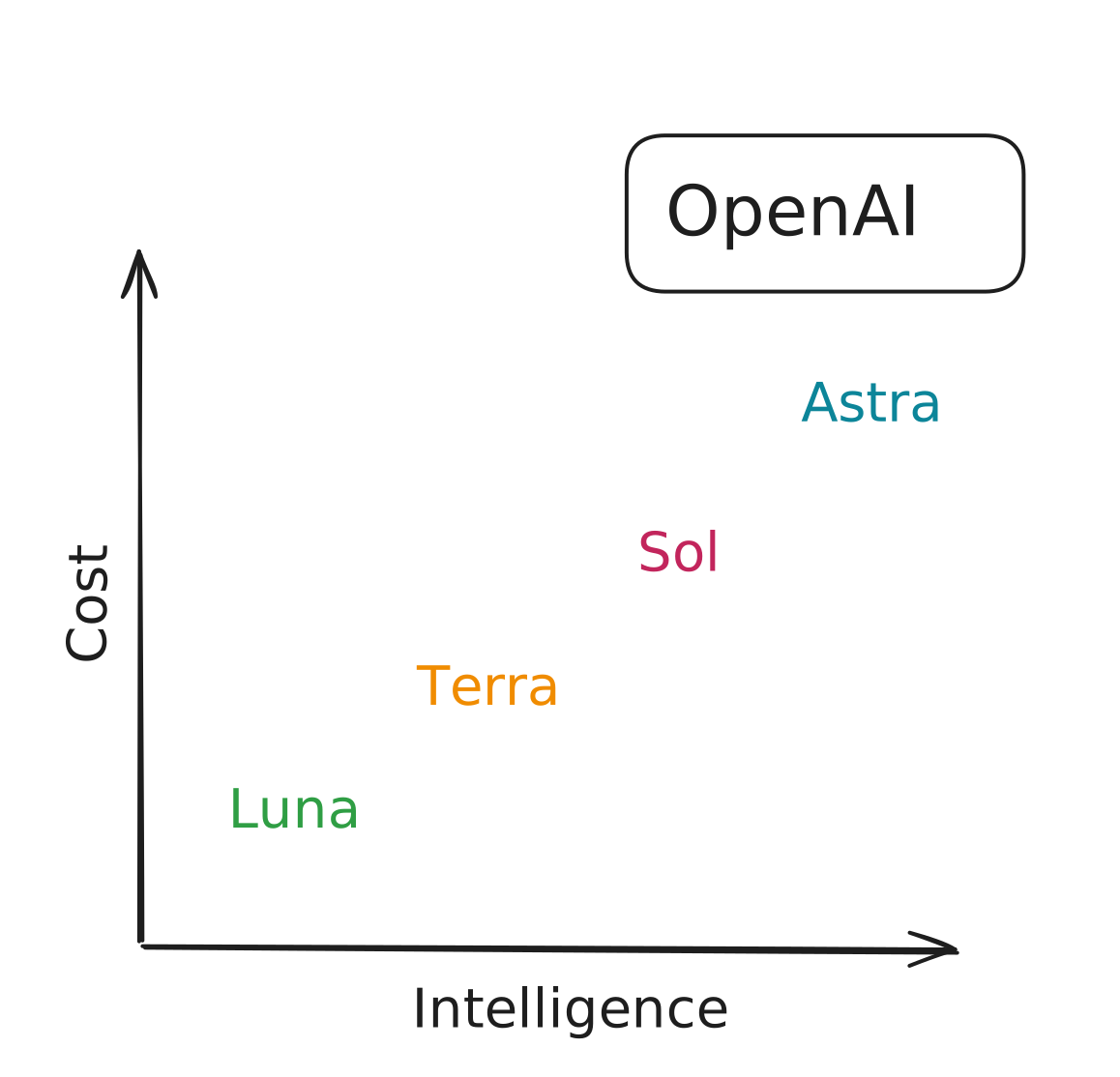
  3. Cost: How much does it cost to use the model?
  4. Intelligence: How smart is the model?
  5. Capabilities: Does it support images, reasoning, tools, or structured output?

Open-weight and local models

  • Open-weight means the trained weights are available to download under a license.
  • Run them locally, self-host them, or use a service like Hugging Face.
  • Posit AI Pass also serves selected open-weight models.
  • Some models are small enough to run on your laptop. Larger models require more memory or specialized hardware.
  • LM Studio and Ollama are common tools for running models locally.

Posit AI Pass: Models from various providers

Model Creator Description Posit cost (relative) Speed (tokens/second)
Gemma 4 26B (A4B) Google Fastest 0.1x 84.8
Claude Haiku 4.5 Anthropic Fast 0.33x 80.2
Claude Sonnet 4.6 Anthropic Balanced 1x 44.3
Claude Sonnet 5 Anthropic Balanced 1x 75.3
Claude Opus 4.6 Anthropic Smart 1.67x 38.2
Claude Opus 4.8 Anthropic Smartest 1.67x 59.0
GLM 5.2 Z.ai Older GLM model. Good at coding, less so at data analysis 0.38x 63.0
Kimi K3 Moonshot AI Smart and balanced 1x 41.6
GLM 5.3 Flash Z.ai Smart, fast, and inexpensive 0.05x 71.4
GLM 5.3 Z.ai Smart, relatively inexpensive 0.38x 70.4
Speed: Artificial Analysis measurements, not measured on Posit AI Pass.

Artificial Analysis (artificialanalysis.ai)
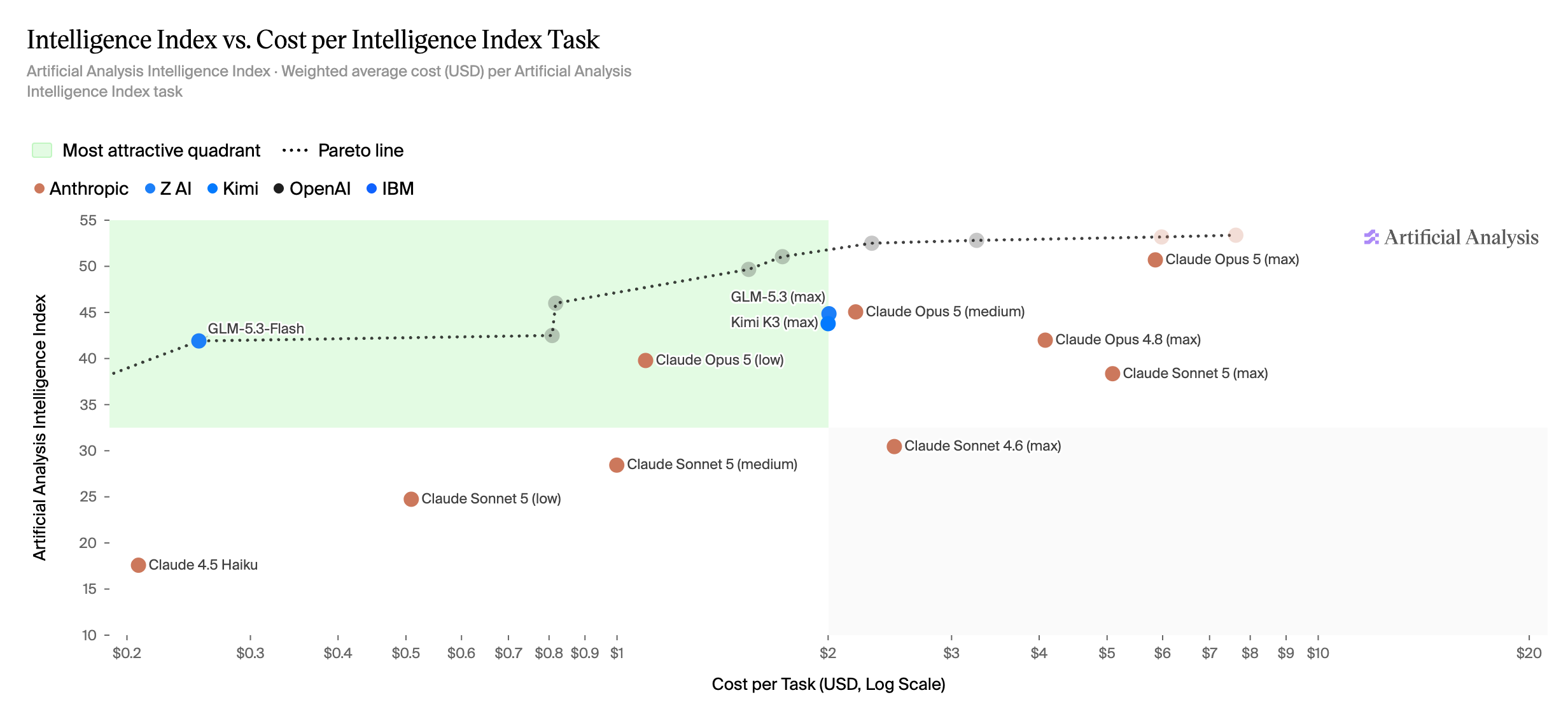
Scatter plot of Artificial Analysis Intelligence Index against cost per task for 16 models available through Posit AI. The upper-left green quadrant marks models with higher intelligence and lower cost.

Start capable, then test smaller

  1. Start with a recent model that supports the capabilities you need.
  2. Try a faster or cheaper model.
  3. Keep the smaller model if it performs well on your task.

Providers

  • chat_posit()
  • chat_openai()
  • chat_anthropic()
  • chat_google_gemini()

Open-weight and local models

  • chat_lmstudio()
  • chat_huggingface()

Enterprise

  • chat_aws_bedrock()

and more!

chatlas

Providers

  • ChatPosit()
  • ChatOpenAI()
  • ChatAnthropic()
  • ChatGoogle()

Open-weight and local models

  • ChatLMStudio()
  • ChatHuggingFace()

Enterprise

  • ChatBedrockAnthropic()

and more!

Switch models with model=

R ellmer

chat <- chat_anthropic(
  model = "claude-sonnet-5"
)
chat <- chat_anthropic(
  model = "claude-opus-4-8"
)

Python chatlas

chat = chatlas.ChatAnthropic(
    model="claude-sonnet-5"
)
chat = chatlas.ChatAnthropic(
    model="claude-opus-4-8"
)

Shortcut: chat() and ChatAuto()

R ellmer

library(ellmer)

chat <- chat("posit")

Python chatlas

import chatlas

chat = chatlas.ChatAuto("posit")

Shortcut: chat() and ChatAuto()

R ellmer

library(ellmer)

chat <- chat(
  "posit/moonshotai/Kimi-K3"
)

Python chatlas

import chatlas

chat = chatlas.ChatAuto(
    "posit/moonshotai/Kimi-K3"
)

List models available through Posit AI Pass

R ellmer

library(ellmer)

models_posit()

Python chatlas

import chatlas

chatlas.ChatPosit().list_models()

Your Turn 07_models

  1. List the models available through Posit AI Pass.
  2. Send the same prompt to two models.
  3. Compare the responses.

Multimodal input

A picture is worth a thousand words

A tortoiseshell cat sleeping on a gray blanket.

or, for Claude Sonnet 5, 274 tokens.

🌆 content_image_file

R ellmer

library(ellmer)

chat <- chat("posit")
image <- content_image_file("assets/cat.png")
chat$chat(
  image,
  "What do you see in this image?"
)

Python chatlas

import chatlas

chat = chatlas.ChatAuto("posit")
image = chatlas.content_image_file("assets/cat.png")
chat.chat(
    image,
    "What do you see in this image?"
)

🐈 content_image_url

R ellmer

library(ellmer)

chat <- chat("posit")
chat$chat(
  content_image_url("https://placecats.com/bella/400/400"),
  "What do you see in this image?"
)

Python chatlas

import chatlas

chat = chatlas.ChatAuto("posit")
chat.chat(
    chatlas.content_image_url("https://placecats.com/bella/400/400"),
    "What do you see in this image?"
)

Your Turn 08_vision

  1. I’ve put some images of food in the data/recipes/images folder.

  2. Your job: show the food to the LLM and see if it gets hungry.

📑 content_pdf_file

R ellmer

library(ellmer)

chat <- chat_posit(model = "claude-haiku-4-5")
chat$chat(
  content_pdf_file("financial-report.pdf"),
  "What's my tax liability for 2024?"
)

Python chatlas

import chatlas

chat = chatlas.ChatPosit(model="claude-haiku-4-5")
chat.chat(
    chatlas.content_pdf_file("financial-report.pdf"),
    "What's my tax liability for 2024?"
)

📑 content_pdf_url

R ellmer

library(ellmer)

chat <- chat_posit(model = "claude-haiku-4-5")
chat$chat(
  content_pdf_url("http://pdf.secdatabase.com/1757/0001104659-25-042659.pdf"),
  "Describe Tesla's executive compensation and stock award programs."
)

Python chatlas

import chatlas

chat = chatlas.ChatPosit(model="claude-haiku-4-5")
chat.chat(
    chatlas.content_pdf_url(
        "http://pdf.secdatabase.com/1757/0001104659-25-042659.pdf"
    ),
    "Describe Tesla's executive compensation and stock award programs."
)

Your Turn 09_pdf

  1. We have the actual recipes as PDFs in the data/recipes/pdf folder.

  2. Your job: ask the LLM to convert the recipes to markdown.

Structured output

How would you extract name and age?

age_free_text <- list(
  "I go by Alex. 42 years on this planet and counting.",
  "Pleased to meet you! I'm Jamal, age 27.",
  "They call me Li Wei. Nineteen years young.",
  "Fatima here. Just celebrated my 35th birthday last week.",
  "The name's Robert - 51 years old and proud of it.",
  "Kwame here - just hit the big 5-0 this year."
)

If you wrote R code, it might look like this…

word_to_num <- function(x) {
  # normalize
  x <- tolower(x)
  # direct numbers
  if (grepl("\\b\\d+\\b", x)) {
    return(as.integer(regmatches(x, regexpr("\\b\\d+\\b", x))))
  }
  # hyphenated like "5-0"
  if (grepl("\\b\\d+\\s*-\\s*\\d+\\b", x)) {
    parts <- as.integer(unlist(strsplit(
      regmatches(x, regexpr("\\b\\d+\\s*-\\s*\\d+\\b", x)),
      "\\s*-\\s*"
    )))
    return(10 * parts[1] + parts[2])
  }
  # simple word numbers
  ones <- c(
    zero = 0,
    one = 1,
    two = 2,
    three = 3,
    four = 4,
    five = 5,
    six = 6,
    seven = 7,
    eight = 8,
    nine = 9,
    ten = 10,
    eleven = 11,
    twelve = 12,
    thirteen = 13,
    fourteen = 14,
    fifteen = 15,
    sixteen = 16,
    seventeen = 17,
    eighteen = 18,
    nineteen = 19
  )
  tens <- c(
    twenty = 20,
    thirty = 30,
    forty = 40,
    fifty = 50,
    sixty = 60,
    seventy = 70,
    eighty = 80,
    ninety = 90
  )
  # e.g., "nineteen"
  if (x %in% names(ones)) {
    return(ones[[x]])
  }
  # e.g., "thirty five" or "thirty-five"
  x2 <- gsub("-", " ", x)
  parts <- strsplit(x2, "\\s+")[[1]]
  if (
    length(parts) == 2 && parts[1] %in% names(tens) && parts[2] %in% names(ones)
  ) {
    return(tens[[parts[1]]] + ones[[parts[2]]])
  }
  if (length(parts) == 1 && parts[1] %in% names(tens)) {
    return(tens[[parts[1]]])
  }
  return(NA_integer_)
}

# Extract name candidates
extract_name <- function(s) {
  # patterns that introduce a name
  pats <- c(
    "I go by\\s+([A-Z][a-z]+)",
    "I'm\\s+([A-Z][a-z]+(?:\\s+[A-Z][a-z]+)?)",
    "They call me\\s+([A-Z][a-z]+(?:\\s+[A-Z][a-z]+)?)",
    "^([A-Z][a-z]+) here",
    "The name's\\s+([A-Z][a-z]+)",
    "^([A-Z][a-z]+)\\s" # fallback: leading capital word
  )
  for (p in pats) {
    m <- regexpr(p, s, perl = TRUE)
    if (m[1] != -1) {
      return(sub(p, "\\1", regmatches(s, m)))
    }
  }
  NA_character_
}

# Extract age phrases and convert to number
extract_age <- function(s) {
  # capture common age phrases around a number
  m <- regexpr(
    "(\\b\\d+\\b|\\b\\d+\\s*-\\s*\\d+\\b|\\b[Nn][a-z-]+\\b)\\s*(years|year|birthday|young|this)",
    s,
    perl = TRUE
  )
  if (m[1] != -1) {
    token <- sub(
      "(years|year|birthday|young|this)$",
      "",
      trimws(substring(s, m, m + attr(m, "match.length") - 1))
    )
    return(word_to_num(token))
  }
  # handle pure word-number without trailing keyword (e.g., "Nineteen years young." handled above)
  m2 <- regexpr("\\b([A-Z][a-z]+)\\b\\s+years", s, perl = TRUE)
  if (m2[1] != -1) {
    token <- tolower(sub("\\s+years.*", "", regmatches(s, m2)))
    return(word_to_num(token))
  }
  # handle hyphenated "big 5-0"
  m3 <- regexpr("big\\s+(\\d+\\s*-\\s*\\d+)", s, perl = TRUE)
  if (m3[1] != -1) {
    token <- sub("big\\s+", "", regmatches(s, m3))
    return(word_to_num(token))
  }
  NA_integer_
}

If you wrote R code, it might look like this…

dplyr::tibble(
  name = purrr::map_chr(age_free_text, extract_name),
  age = purrr::map_int(age_free_text, extract_age)
)
# A tibble: 6 × 2
  name     age
  <chr>  <int>
1 Alex      42
2 Jamal     NA
3 Li Wei    NA
4 Fatima    NA
5 Robert    51
6 Kwame      5
age_free_text
[[1]]
[1] "I go by Alex. 42 years on this planet and counting."

[[2]]
[1] "Pleased to meet you! I'm Jamal, age 27."

[[3]]
[1] "They call me Li Wei. Nineteen years young."

[[4]]
[1] "Fatima here. Just celebrated my 35th birthday last week."

[[5]]
[1] "The name's Robert - 51 years old and proud of it."

[[6]]
[1] "Kwame here - just hit the big 5-0 this year."

But if you ask an LLM…

library(ellmer)

chat <- chat_posit(
  system_prompt = "Extract the name and age."
)

chat$chat(age_free_text[[1]])
#>

chat$chat(age_free_text[[2]])
#>

But if you ask an LLM…

library(ellmer)

chat <- chat_posit(
  system_prompt = "Extract the name and age."
)

chat$chat(age_free_text[[1]])
#> Name: Alex; Age: 42

chat$chat(age_free_text[[2]])
#> Name: Jamal; Age: 27

Wouldn’t this be nice?

chat$chat(age_free_text[[1]])
#> list(
#>   name = "Alex",
#>   age = 42
#> )

Structured chat output

chat$chat_structured(age_free_text[[1]])
#> list(
#>   name = "Alex",
#>   age = 42
#> )

Structured chat output

type_person <- type_object(
  name = type_string(),
  age = type_integer()
)

chat$chat_structured(age_free_text[[1]], type = type_person)
#> list(
#>   name = "Alex",
#>   age = 42
#> )

Structured chat output

type_person <- type_object(
  name = type_string(),
  age = type_integer()
)

chat$chat_structured(age_free_text[[1]], type = type_person)
#> $name
#> [1] "Alex"
#>
#> $age
#> [1] 42

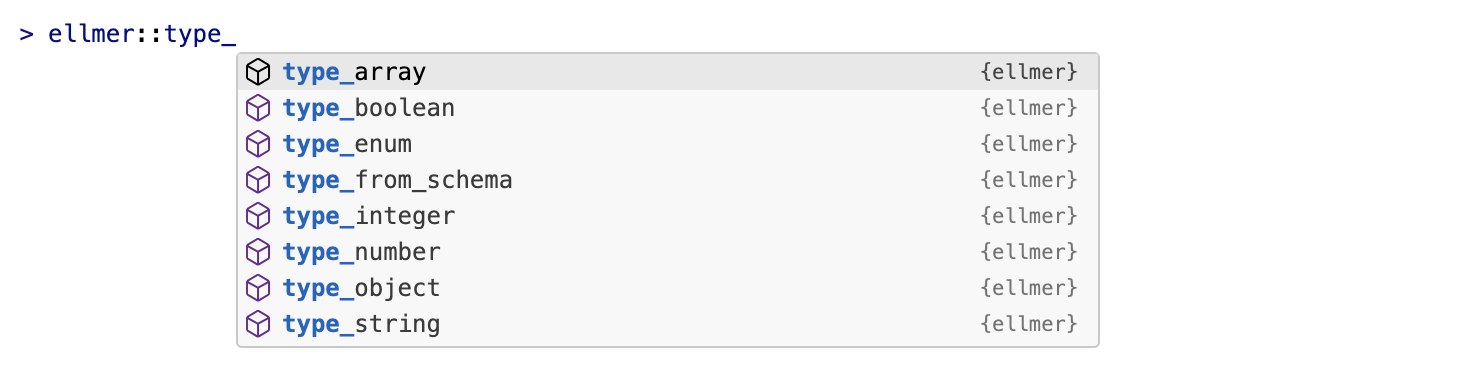
ellmer’s type functions

type_person <- type_object(
  name = type_string("The person's name"),
  age = type_integer("The person's age in years")
)

In Python, use Pydantic

import chatlas
from pydantic import BaseModel

class Person(BaseModel):
    name: str
    age: int

chat = chatlas.ChatPosit(model="claude-haiku-4-5")
chat.chat_structured(
    "I go by Alex. 42 years on this planet and counting.",
    data_model=Person
)
#> Person(name='Alex', age=42)

In Python, use Pydantic

import chatlas
from pydantic import BaseModel, Field

class Person(BaseModel):
    name: str = Field(description="The person's name")
    age: int = Field(description="The person's age in years")

chat = chatlas.ChatPosit(model="claude-haiku-4-5")
chat.chat_structured(
    "I go by Alex. 42 years on this planet and counting.",
    data_model=Person
)
#> Person(name='Alex', age=42)

In Python, use Pydantic

import chatlas
from pydantic import BaseModel, ConfigDict

class Person(BaseModel):
    model_config = ConfigDict(use_attribute_docstrings=True)

    name: str
    """The person's name"""
    age: int
    """The person's age in years"""

Your Turn 10_structured-output

  1. We also have text versions of the recipes in data/recipes/text.

  2. Use ellmer::type_*() or a Pydantic model to extract structured data from the recipe you used in activity 09.

  3. I’ve given you the expected structure, you just need to implement it.

Parallel calls

Structured chat output

type_person <- type_object(
  name = type_string(),
  age = type_integer()
)

chat$chat_structured(age_free_text[[1]], type = type_person)
#> $name
#> [1] "Alex"
#>
#> $age
#> [1] 42

Structured chat output

type_person <- type_object(
  name = type_string(),
  age = type_integer()
)

chat$chat_structured(age_free_text, type = type_person)
#> ???

Structured chat output

type_person <- type_object(
  name = type_string(),
  age = type_integer()
)

chat$chat_structured(age_free_text, type = type_person)
#> Error in `FUN()`:
#> ! `...` must be made up strings or <content> objects, not a list.

Parallel chat calls

chat <- chat_posit(model = "claude-haiku-4-5")

parallel_chat_structured(
  chat,
  age_free_text,
  type = type_person,
  max_active = 4,
  on_error = "stop"
)

Parallel chat calls

chat <- chat_posit(model = "claude-haiku-4-5")

parallel_chat_structured(
  chat,
  age_free_text,
  type = type_person,
  max_active = 4,
  on_error = "stop"
)
#> [working] (0 + 0) -> 2 -> 4 | ■■■■■■■■■■■■■■■■■■■■■             67%

Parallel chat calls

chat <- chat_posit(model = "claude-haiku-4-5")

parallel_chat_structured(
  chat,
  age_free_text,
  type = type_person,
  max_active = 4,
  on_error = "stop"
)
#>     name age
#> 1   Alex  42
#> 2  Jamal  27
#> 3 Li Wei  19
#> 4 Fatima  35
#> 5 Robert  51
#> 6  Kwame  50

Batch chat calls

batch_chat_structured(
  chat,
  age_free_text,
  type = type_person,
  path = "people.json"
)

Batch chat calls

batch_chat_structured(
  chat,
  age_free_text,
  type = type_person,
  path = "people.json"
)

Batch chat calls

chat <- chat("anthropic/claude-haiku-4-5")
batch_chat_structured(
  chat,
  age_free_text,
  type = type_person,
  path = "people.json"
)

Parallel chat calls in Python

prompts = [
    "I go by Alex. 42 years on this planet and counting.",
    "Pleased to meet you! I'm Jamal, age 27.",
]

chat = chatlas.ChatPosit(model="claude-haiku-4-5")

results = await chatlas.parallel_chat_structured(
    chat,
    prompts,
    Person,
    max_active=4,
    on_error="stop",
)

people = [result.data for result in results]

Batch vs. parallel

Parallel

  • Sends ordinary requests at the same time

  • Returns results during the current session

  • Uses ordinary per-request pricing

  • Works through Posit AI

Provider batch API

  • Uploads requests to a provider-managed queue

  • May take up to 24 hours

  • Often has lower per-token pricing

  • Is not available through Posit AI

chatlas.batch_chat_structured

chat = chatlas.ChatAuto("anthropic/claude-haiku-4-5")
results = chatlas.batch_chat_structured(
    chat=chat,
    prompts=prompts,
    data_model=Person,
    path="people.json",
)

Your Turn 11_parallel

  1. Take your type_recipe or Recipe model from activity 10

  2. And apply it to all the text recipes in data/recipes/text.

  3. Use parallel_chat_structured() with Posit AI.

  4. Allow no more than four active requests at once.

  5. Save the results to data/recipes/recipes.json and try the Shiny recipe cookbook app.