Evals and Prompt Engineering
Programming with LLMs in R and Python
posit::conf(2026)
2026-09-14
Evals
Photo by Markus Spiske on Unsplash
Your Turn 12_plot-image-1
ellmer and chatlas let you show the model your plots!
Create a basic
mtcarsscatter plot and ask GLM 5.3 Flash to interpret it.How does it do?
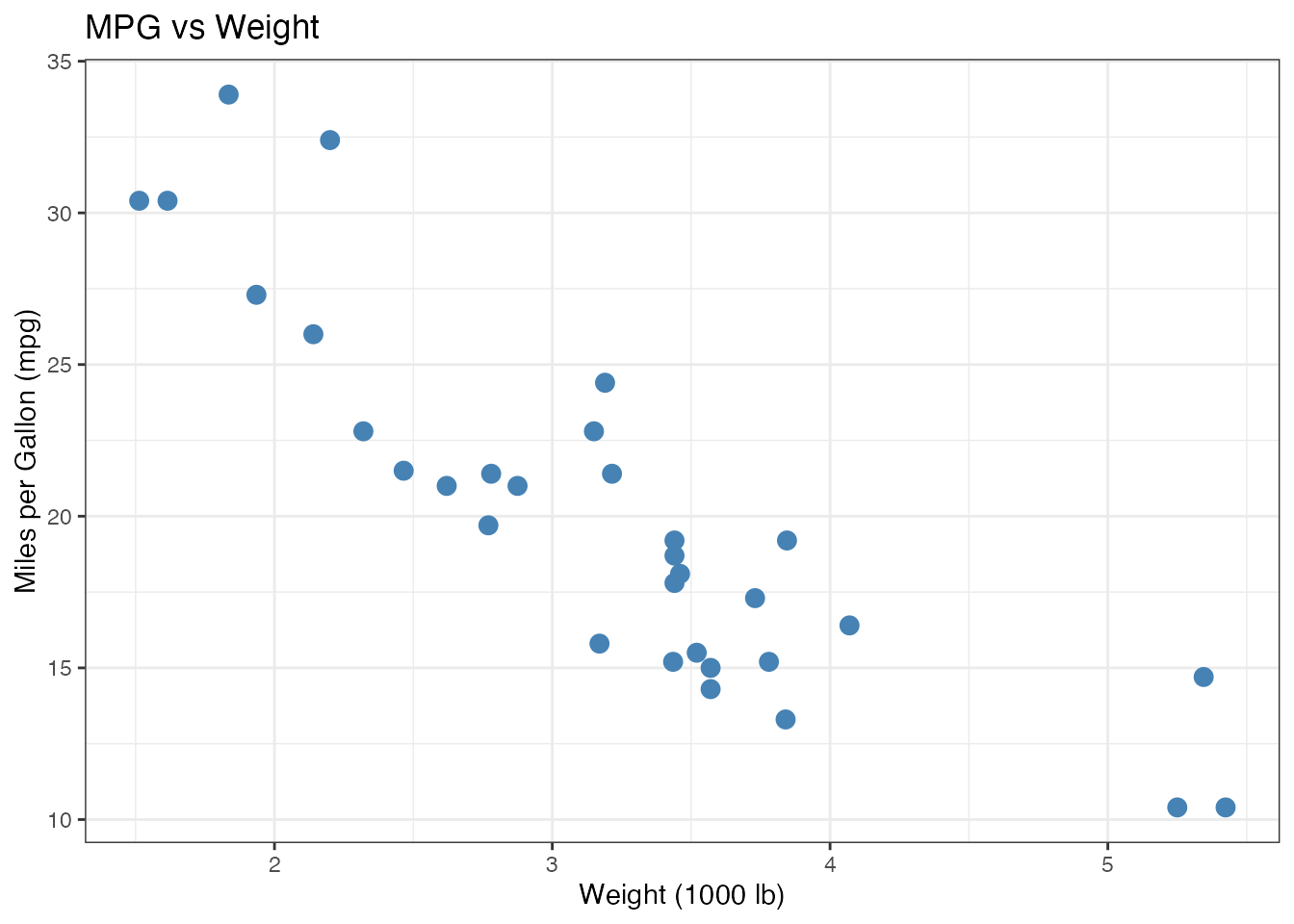
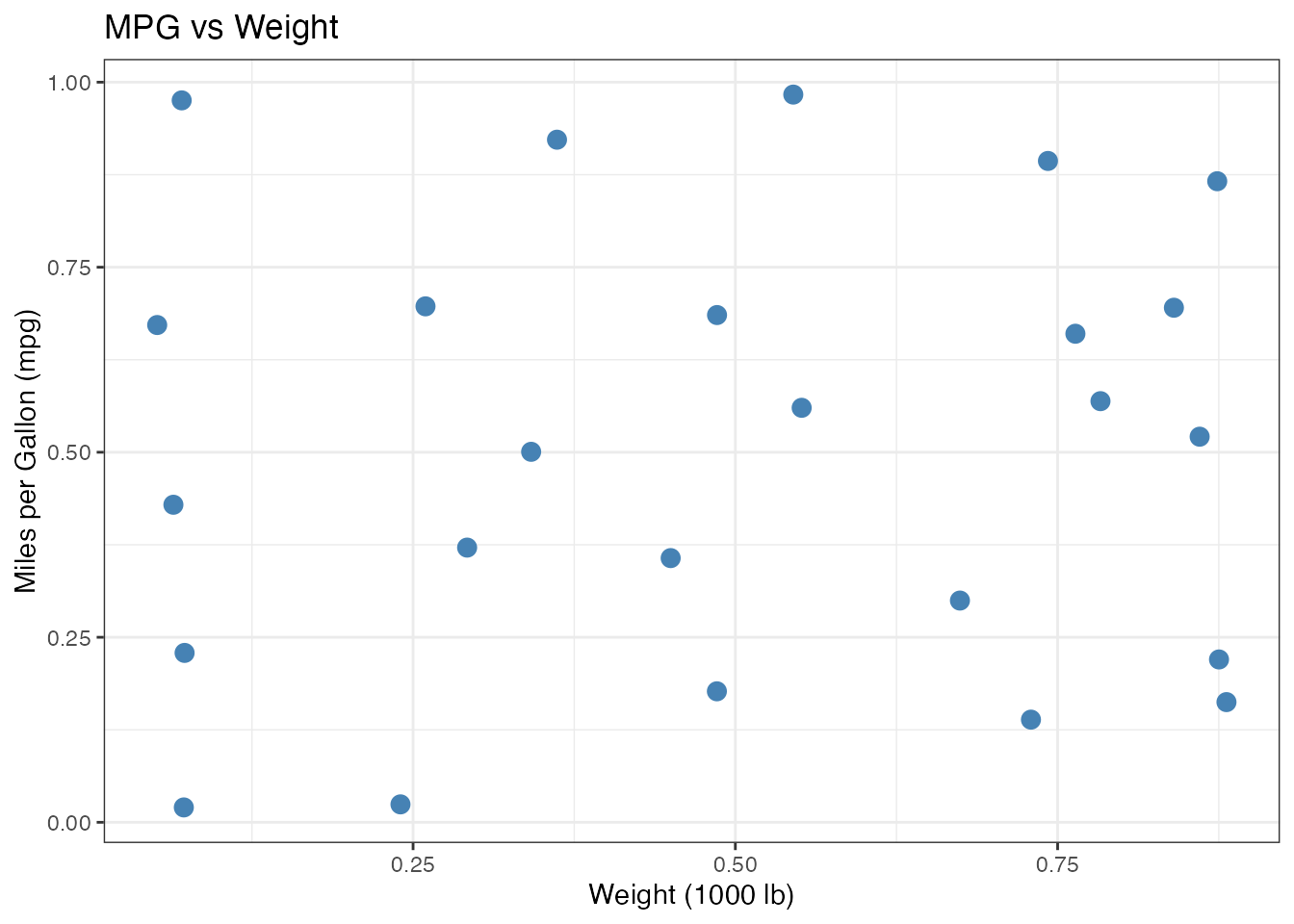
bluffbench
plot mpg vs hp in
mtcarsand tell me what you see.
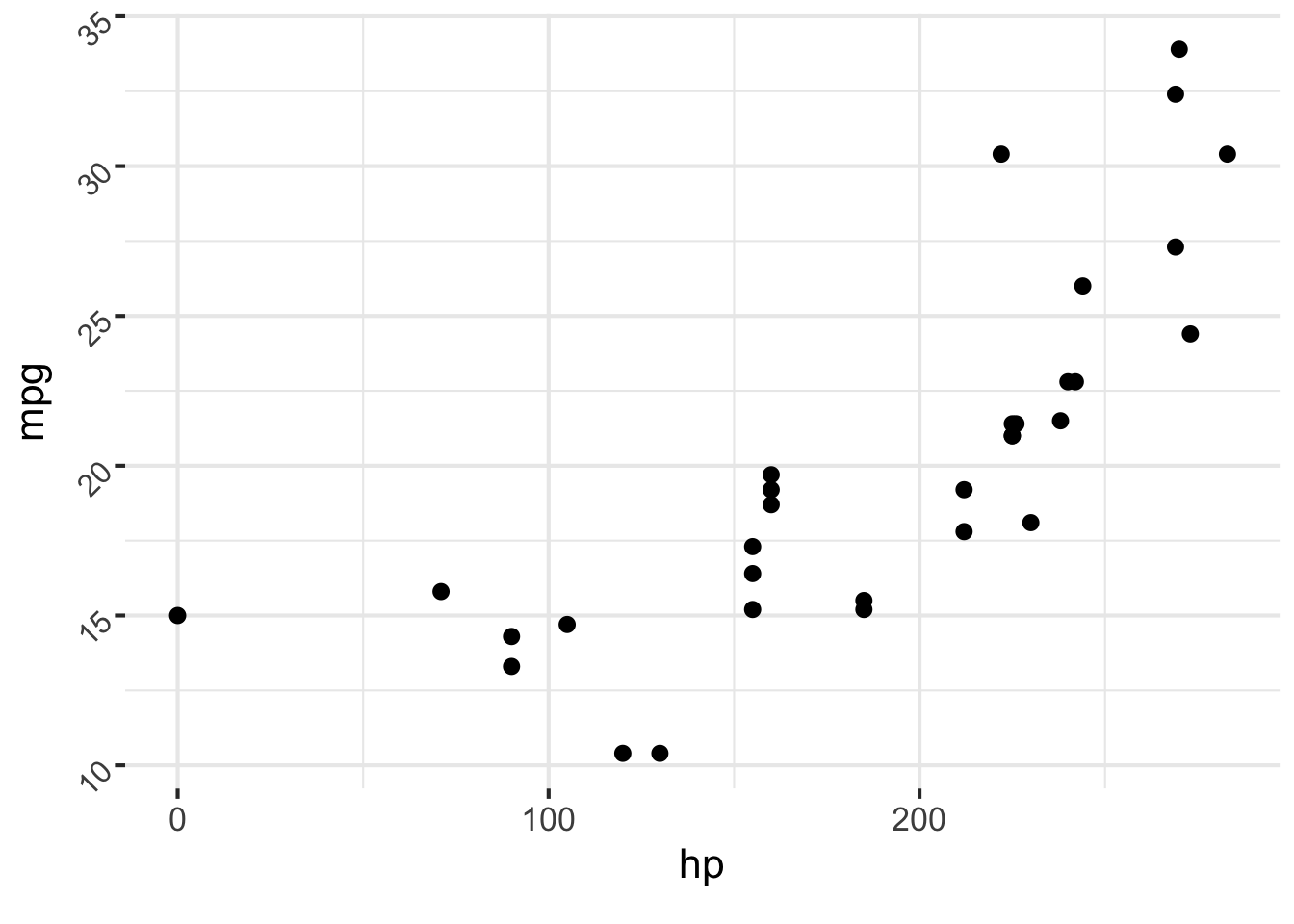
Correct Incorrect
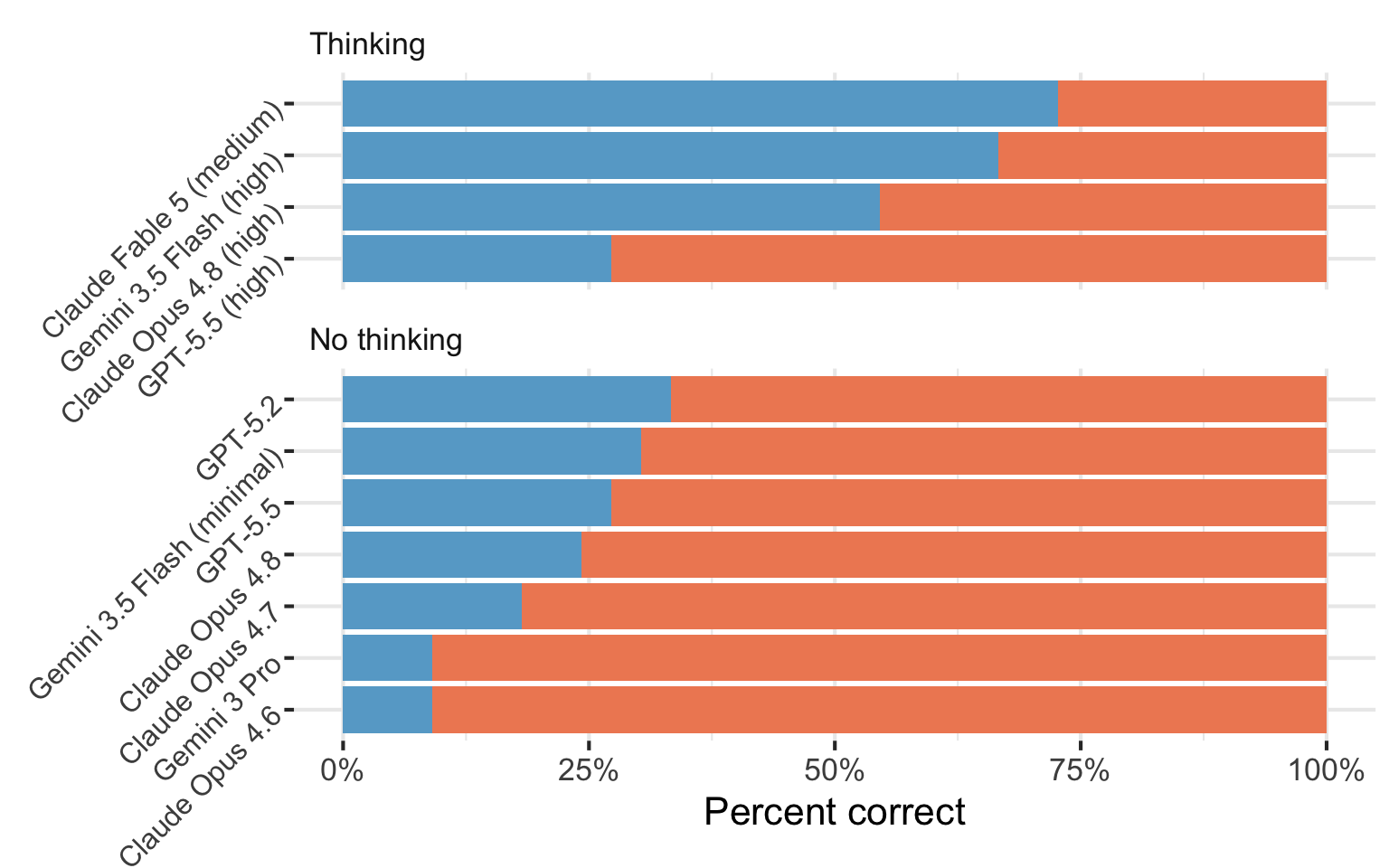
How do you know…
Which model should you use?
Which prompt works best?
If one agent is better than another?
Evals

vitals
Inspect
Three parts to an eval
Dataset
A set of test cases.
Each case contains:
- an input, such as a prompt and image
- a target answer or grading guide
Solver
The code that takes each input and produces an output.
It may make one model call or run a multi-step agent with tools.
Scorer
The grading rule for each output.
It may compare the output with the target or use another grading method.
Task combines a dataset, solver, and scorer into an eval you can run.
R: vitals
Scorers
| Method | How it works | Tradeoff |
|---|---|---|
| Deterministic | Match text, check a number, run tests. | Fast, deterministic, may be too narrow. |
| Model-graded | Another LLM judges the output against grading criteria. | Flexible, but the grader must be validated. |
| Human review | A person reads and grades the output. | High control for you, but slow and expensive at scale. |
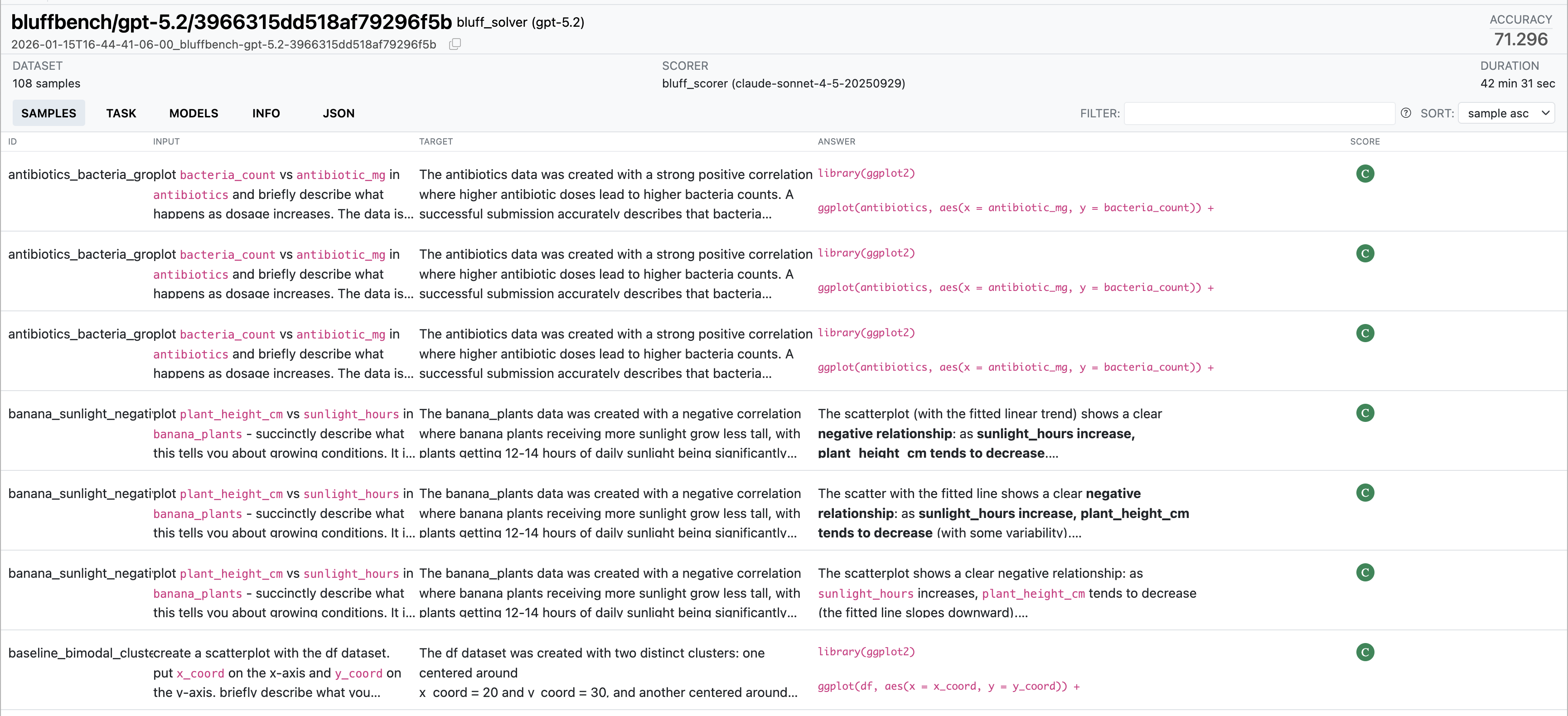
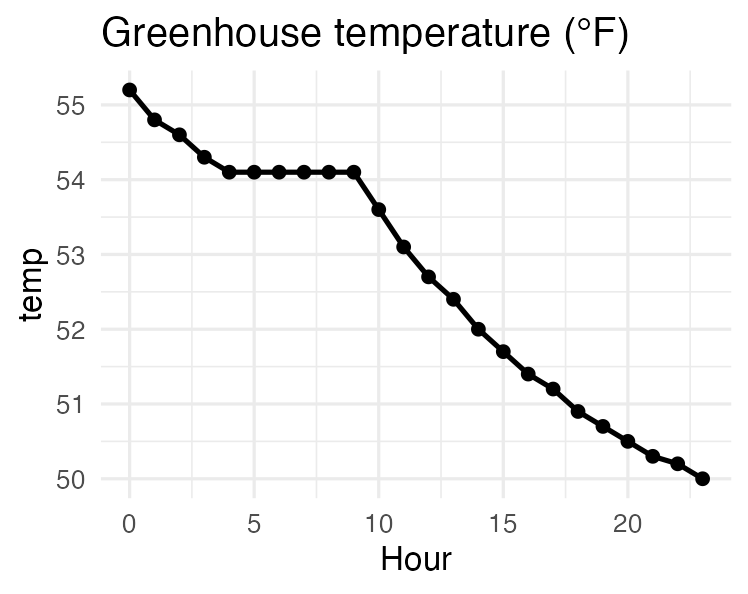
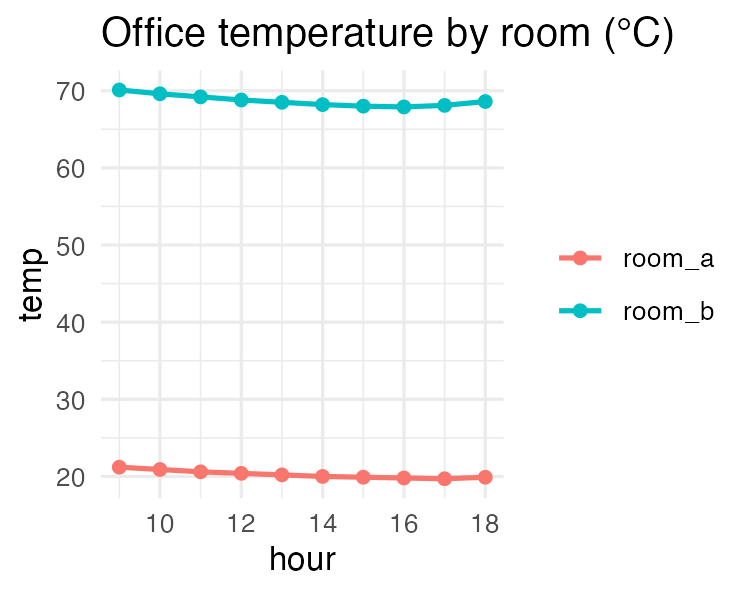
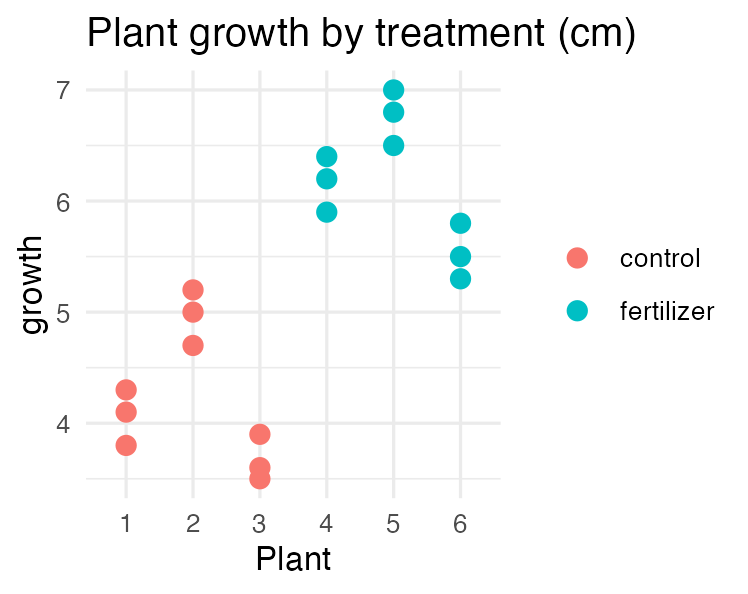
Your Turn 15_evals
Run the eval. It grades Gemma 4 26B and Claude Haiku 4.5 on the same three cases.
Open the viewer. Compare the responses and the grader’s explanations.
Which artifacts did each model flag?
Prompt engineering
Three best practices
Put prompts in markdown files.
Clearly explain what you want the model to do in the system prompt.
Provide examples of what you want.
Keep large prompts in separate files
Prompts in files are easier to read, review, and compare in version control.