Tool Calling
Programming with LLMs in R and Python
posit::conf(2026)
2026-09-14
Tool calling
A robot wearing a tool belt, selects a tool from a wall of futuristic space tools. A sign above the wall reads “Tools”.
Recall: How do LLMs work?
You write some words
The LLM writes some more words
You use those words
On its own, can a word-writing model…
Access the internet?
Send an email?
Interact with the world?
Let’s try it
Tools
a.k.a. functions, tool calling or function calling
Bring real-time or up-to-date information to the model
Let the model interact with the world
Chatbot Systems
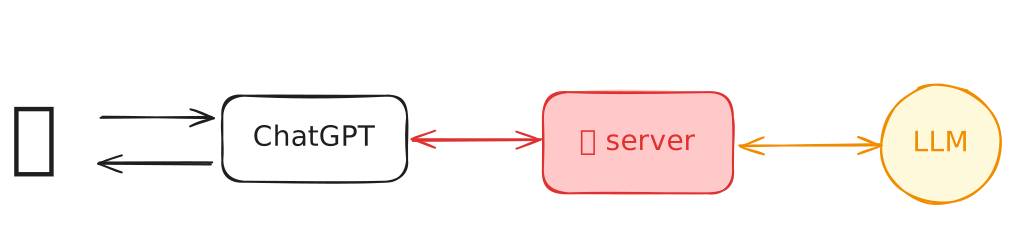
user vs. programmer


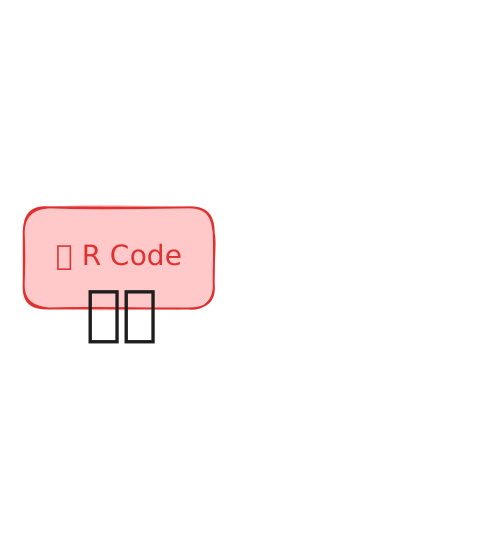
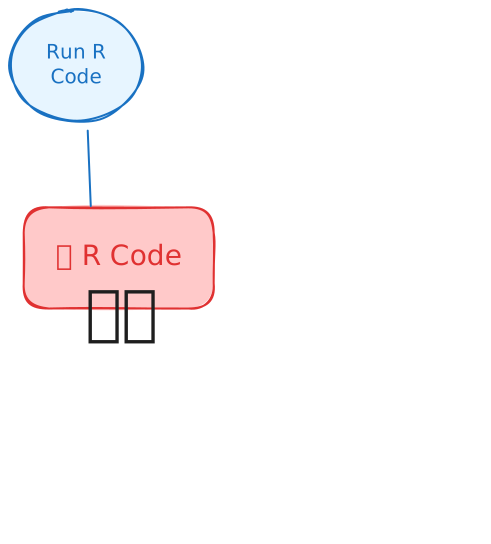
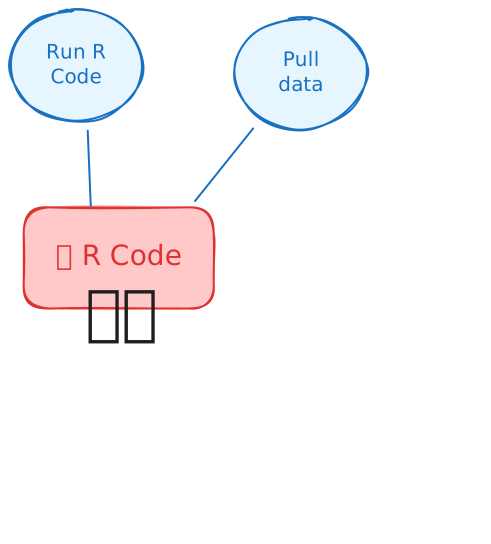
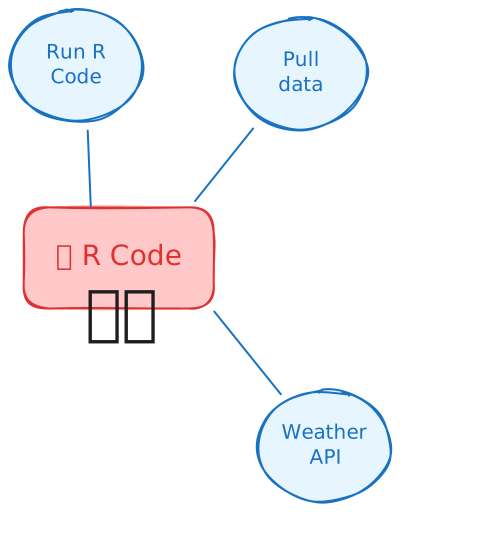
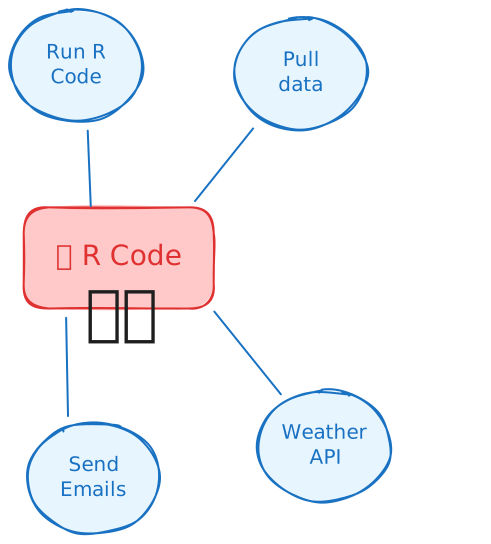
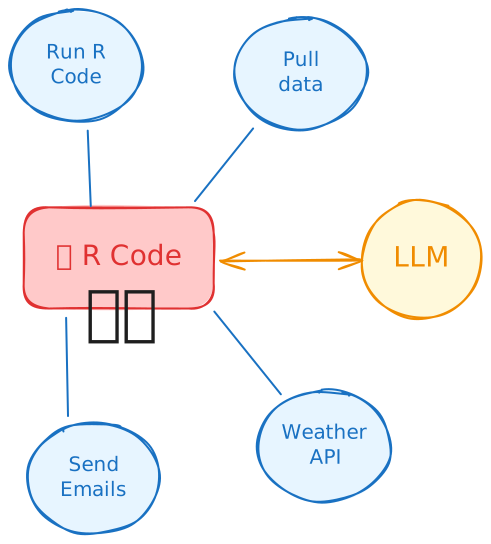
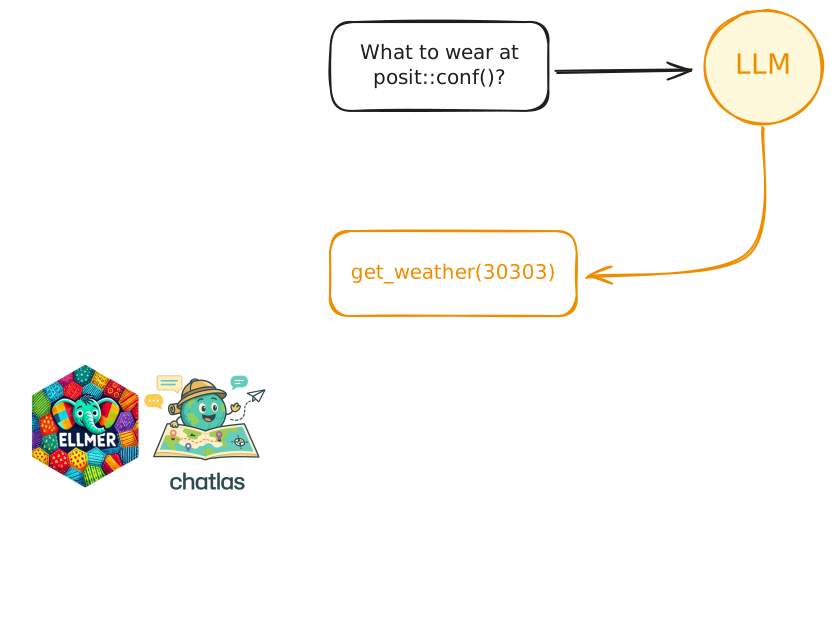
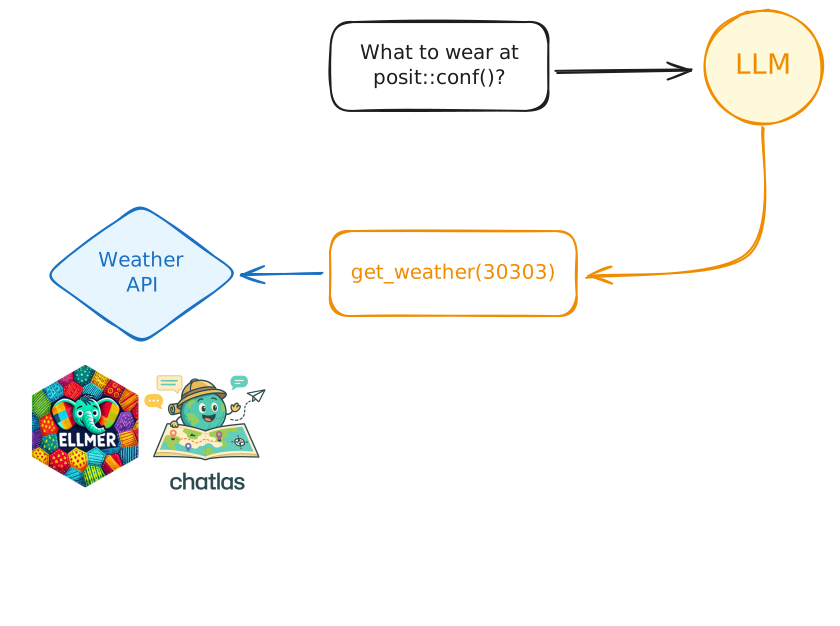
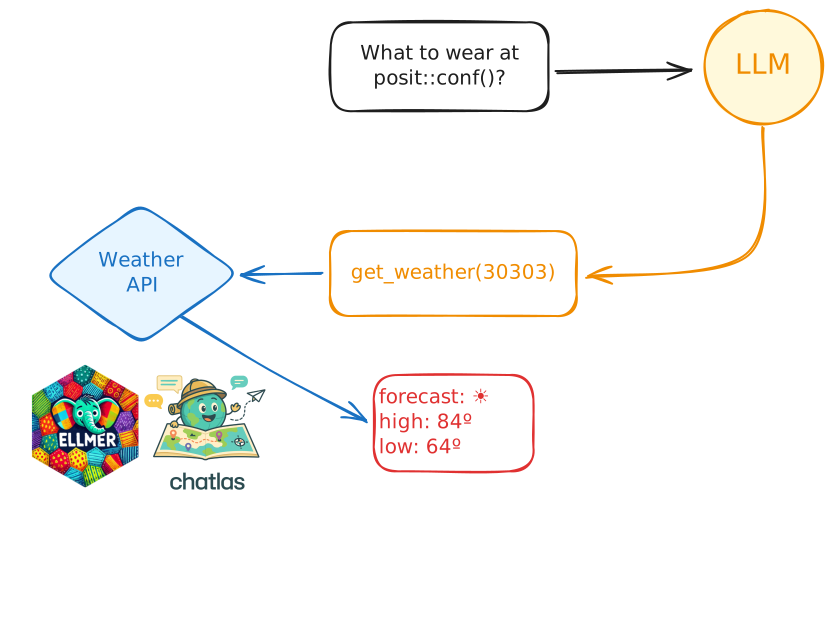
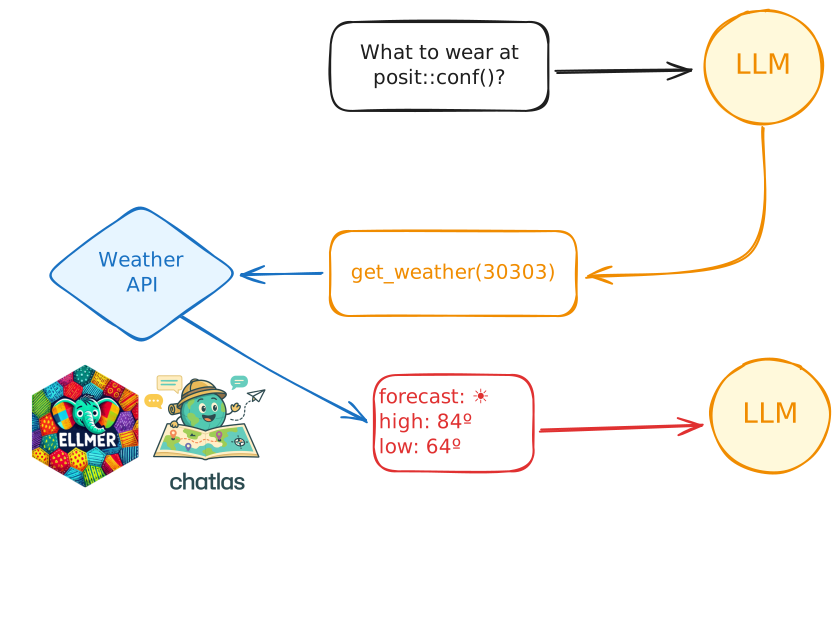
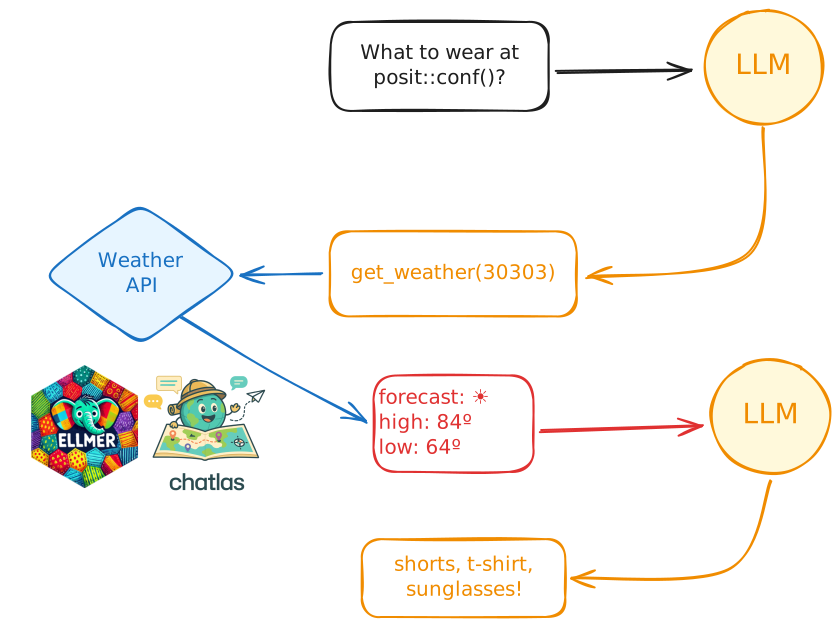
How do tool calls work?
What should I wear to posit::conf(2026) in Houston?
Human in the loop
👨💻 _demos/15_demo_manual-tools
Wait… I can write code!
👨💻 Work through the script to register the tool, then run the app to see it in action
👨💻 16_weather-tool-01-start.R → 16_weather-tool-app.R
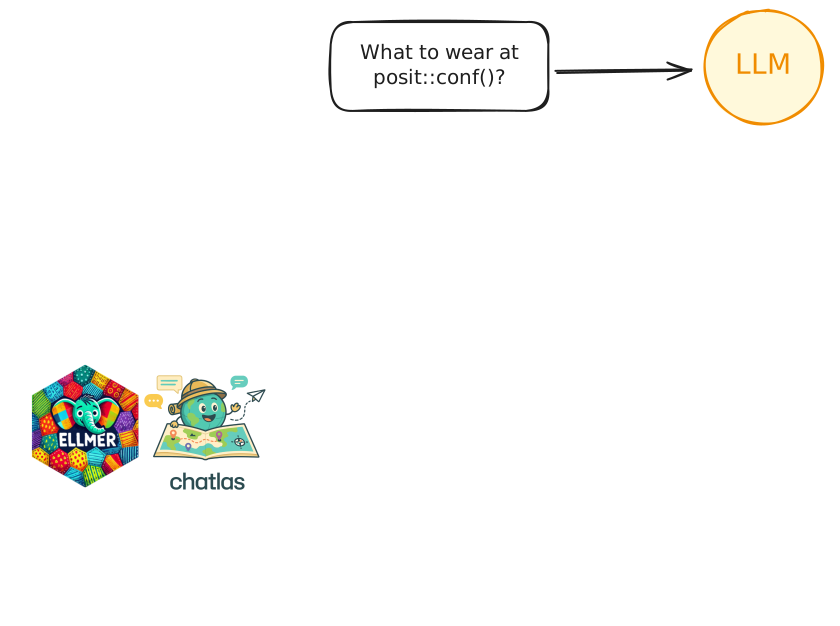
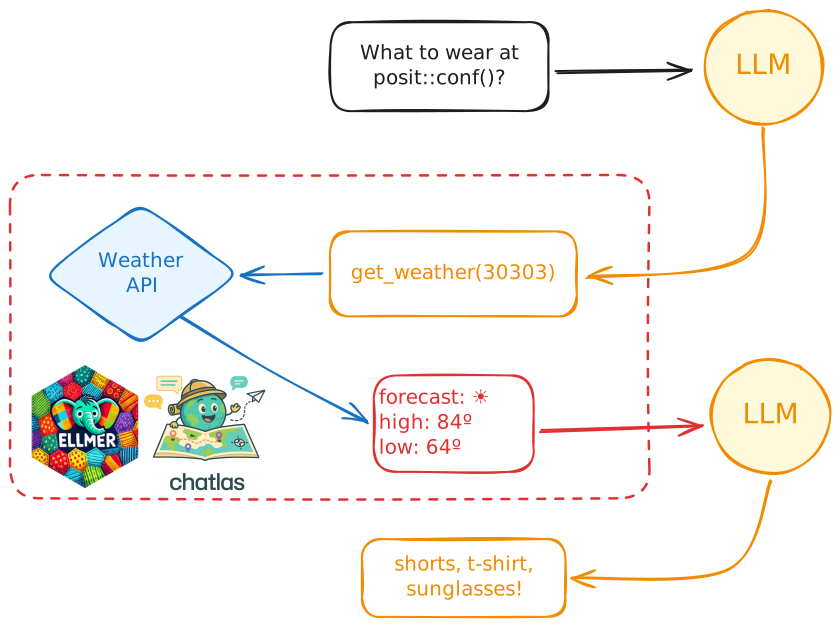
Recap: Tool definitions in R
Recap: Tool definitions in Python
Recap: Tool definitions in Python
Recap: Tool definitions in Python
Your Turn 17_quiz-game-2
I’ve set up a Quiz Game app with a function that plays a sound when called.
Your job: teach the model to play sounds at the right moments in the game.
You can use your prompt or switch
_exercises→_solutionsto use ours.
Tool UI
A robot is standing in front of a display case, pointing at a holographic interface showing various tools and options. The robot appears to be selecting a tool from the interface.
Tool Annotations
Provide hints to clients about tool behavior
Help humans and AI systems make informed decisions about tool usage
All properties are hints only - not guaranteed to be accurate
Key Annotations
| Property | Description |
|---|---|
title |
Human-readable tool name |
icon |
Icon shown next to the tool (shinychat only) |
readOnlyHint |
Tool doesn’t modify environment |
destructiveHint |
May perform destructive updates |
idempotentHint |
Repeated calls with same arguments return same |
openWorldHint |
Interacts with external entities vs. closed domain |
Tool Annotations in R
Tool Annotations in Python
Your Turn 18_quiz-game-3
Add tool annotations to our
play_soundtools.Pick an icon from FontAwesome free icons
Tools in Shiny
Define the tool function inside the server
You can update reactive values in the tool function!
You can read reactive values, if you
isolate()reads. (Be careful!)We will come back to this later 😉