Intro to Posit Assistant
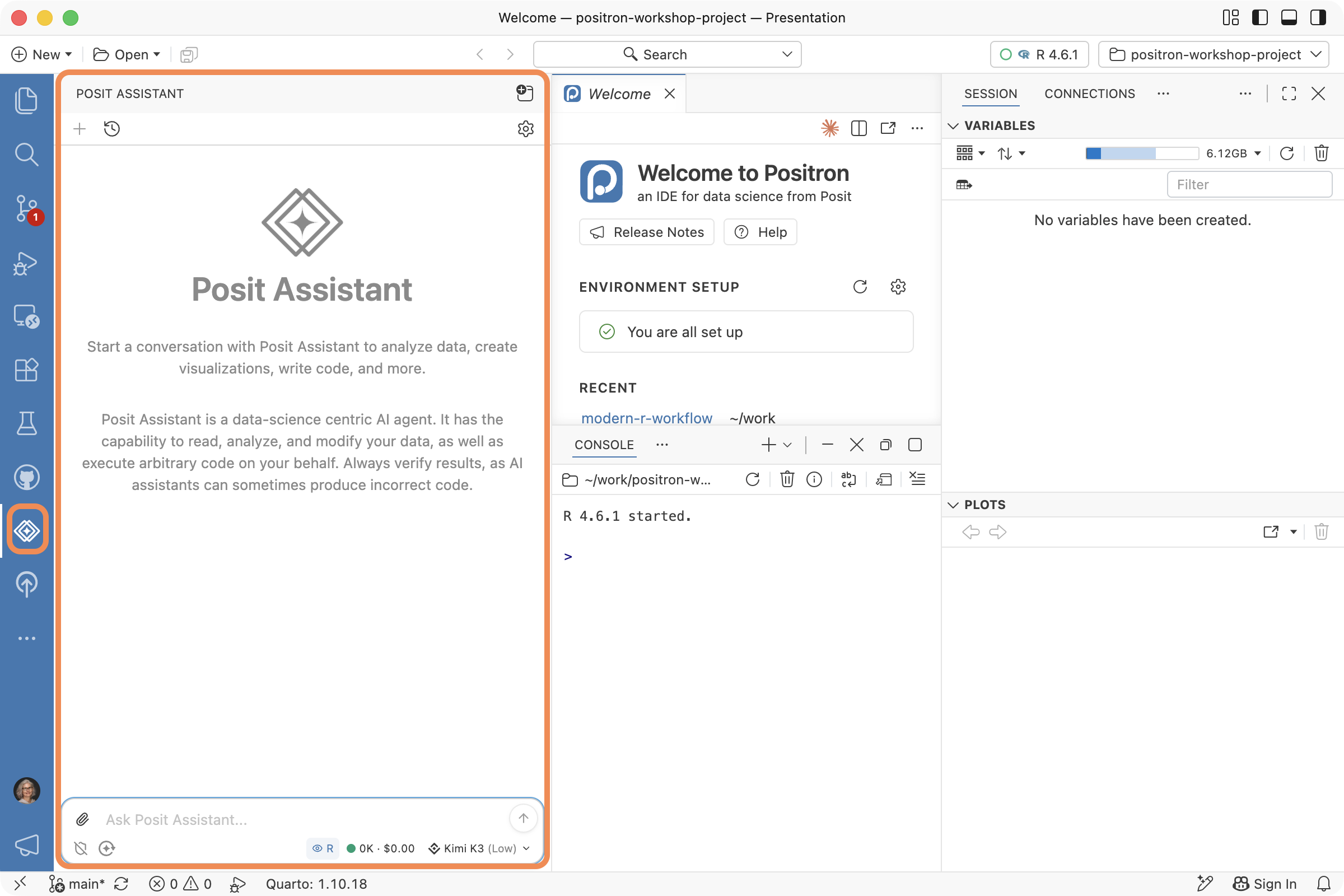
Posit Assistant (PA)

  • https://assistant.posit.co/
  • An AI agent geared towards the needs of data scientists
  • Works in Positron and RStudio
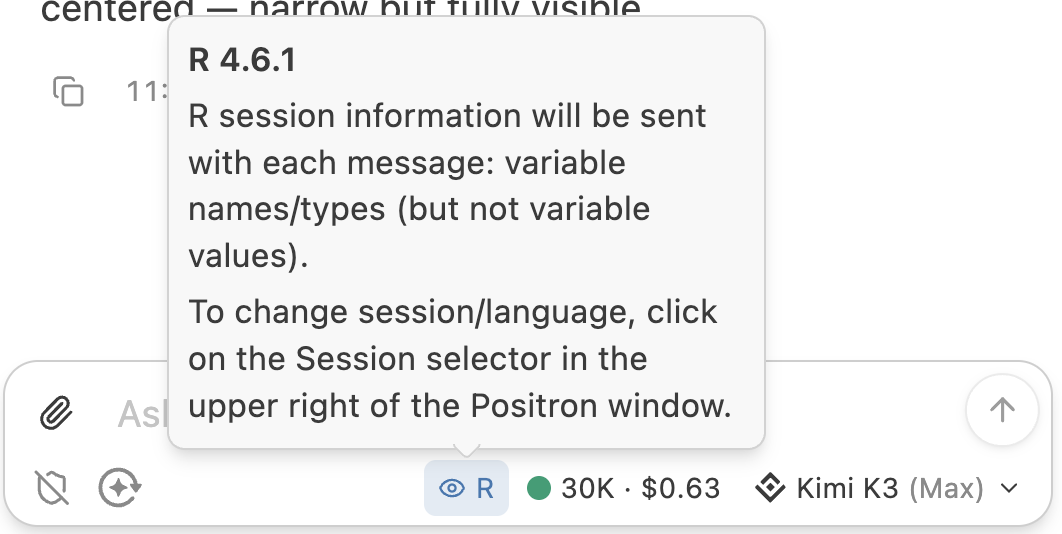
  • Connects to your live R and Python sessions

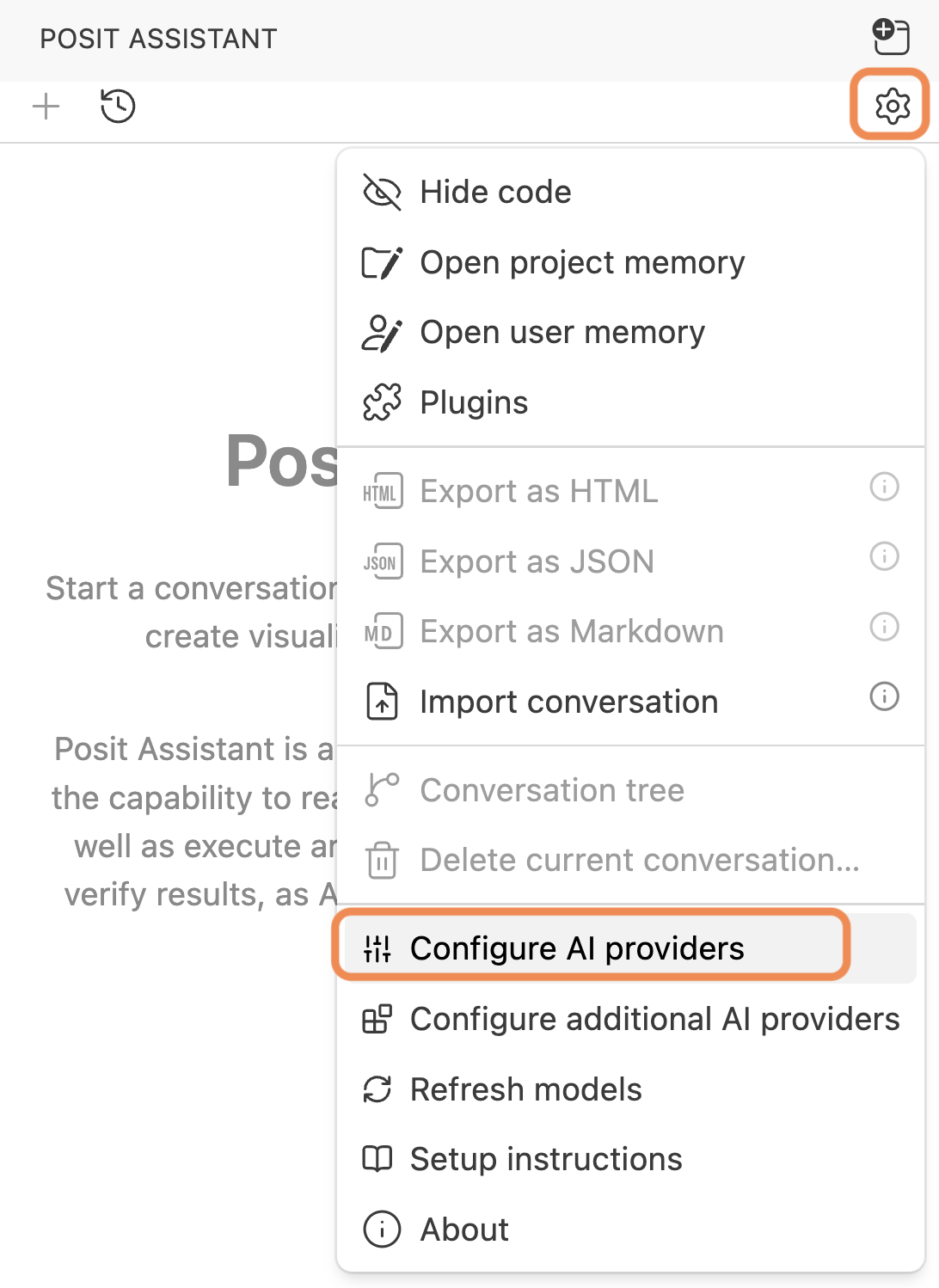
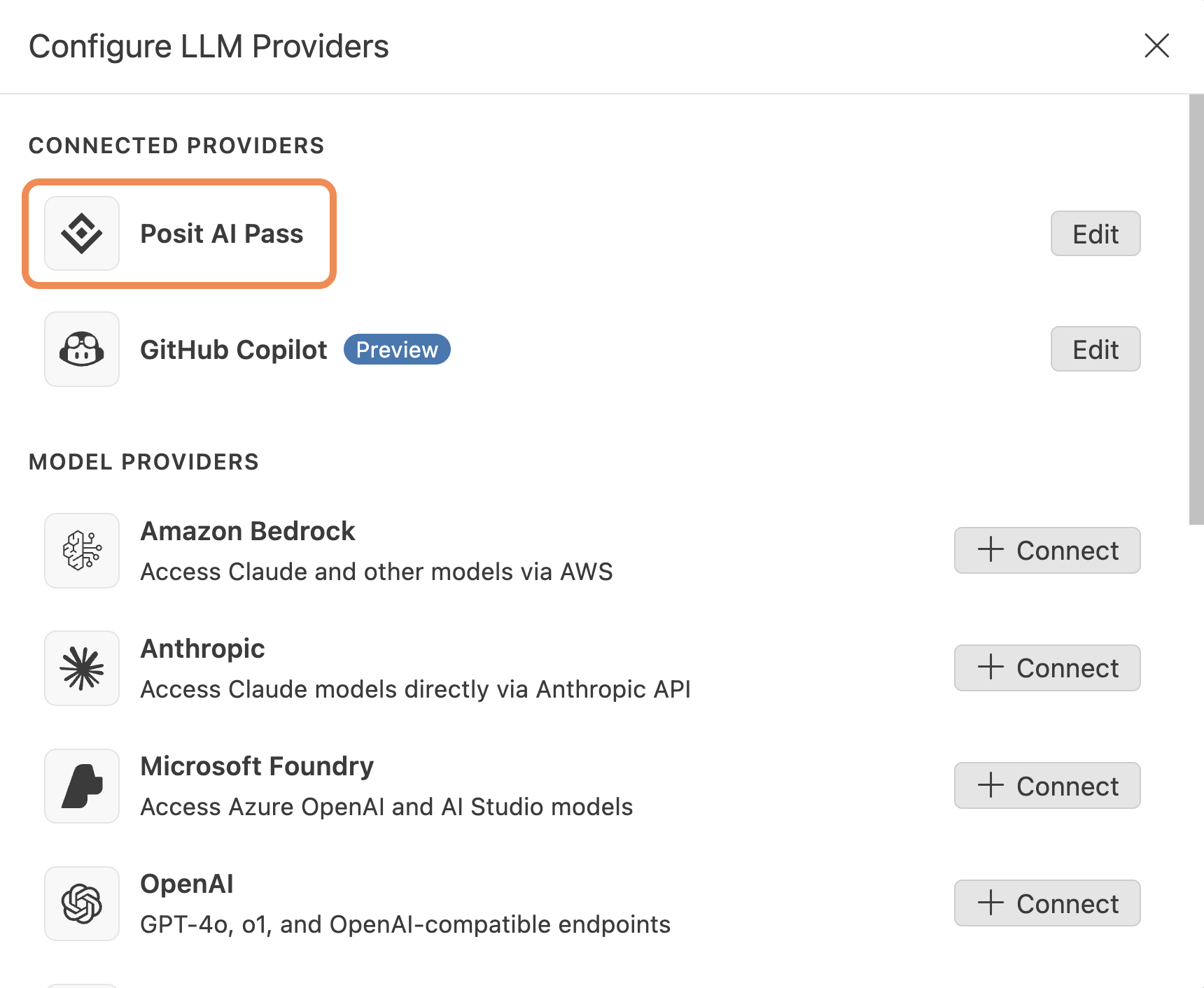
Sign in to a provider

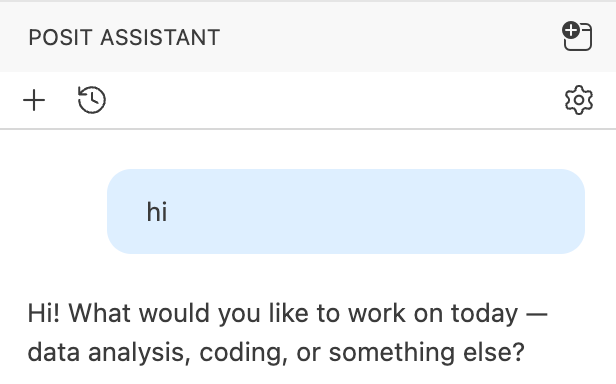
Is this thing on?
All the things you will confuse Posit Assistant with

  • Posit Assistant supersedes:
  • Posit Assistant can be used with many providers
    • Posit AI Pass is one of the supported providers
    • Posit AI Pass lets you access many models through one subscription service
    • Posit AI Pass was previously known as Posit AI (no pass)

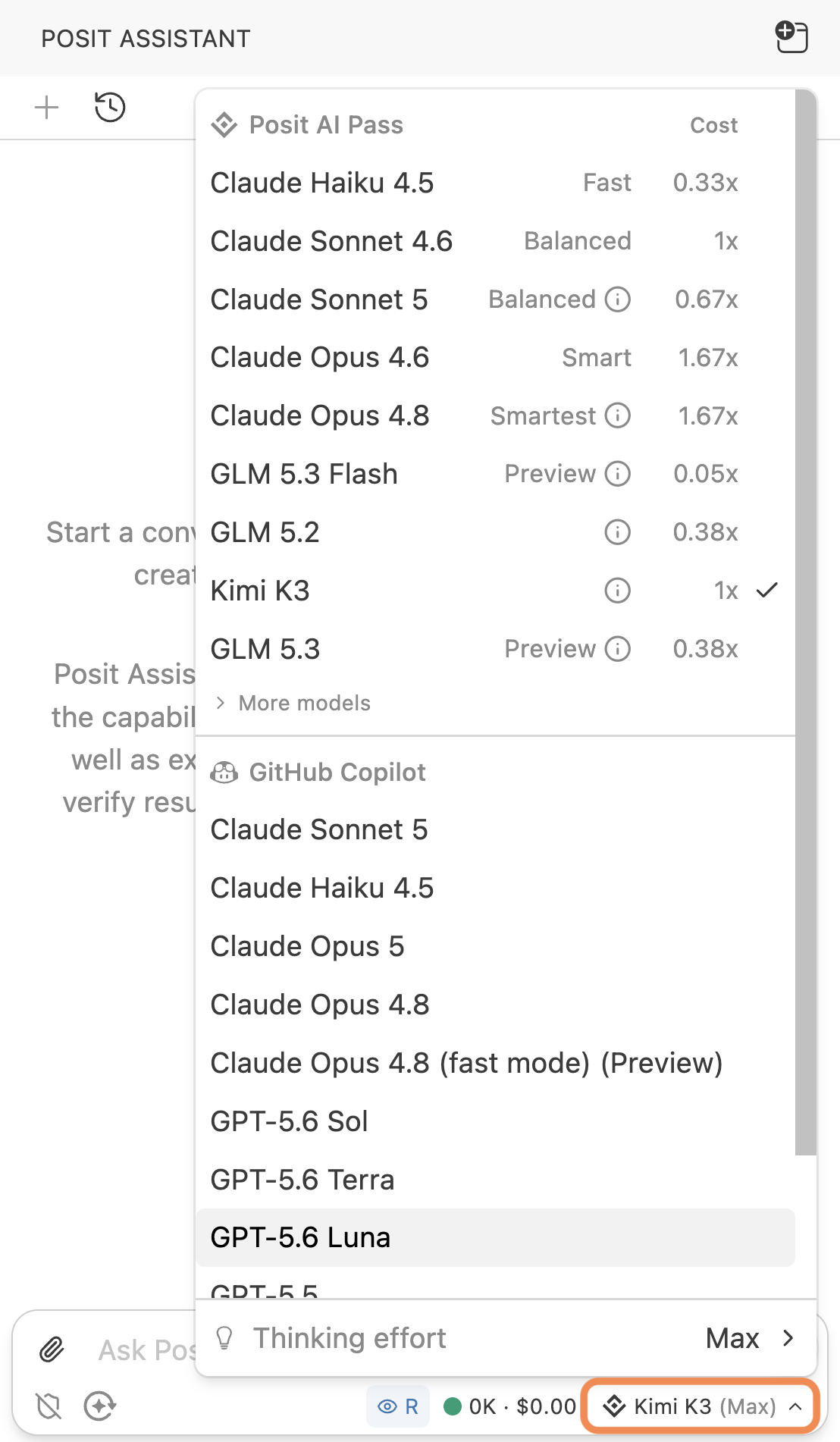
Choose from your provider’s models

/clear early, /clear often

  • /clear begins a new conversation
  • All the usual benefits of turning the thing off and back on again

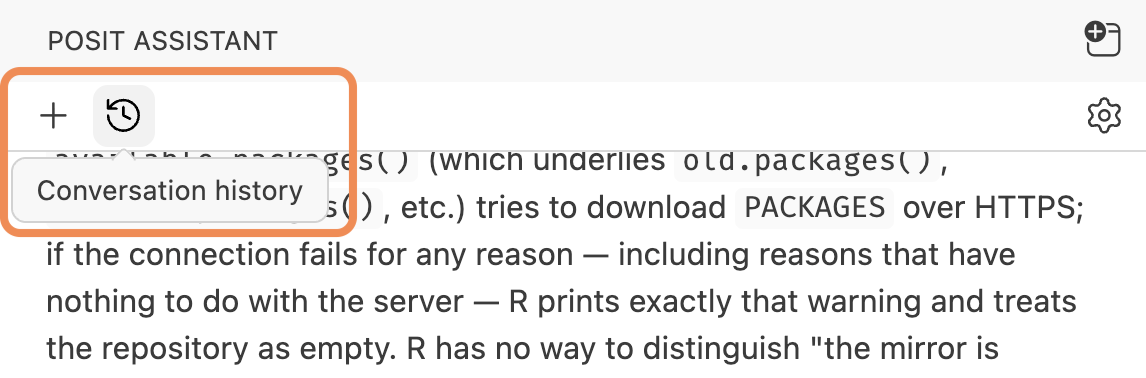
Conversations are not lost

  • Don’t worry: you can get back to earlier conversations!
    • To read
    • To resume

Implicit context is usually “enough”

  • Posit Assistant knows, e.g.:
    • Which files you have open
    • Which file is active
    • Your current selection
    • The current workspace/folder
  • You rarely need to explicitly attach a file as context
  • But there are ways to explicitly attach content:

Special two-way relationship with R console

  • PA sees and can drive the R session in your console
Your turn

  • Experiment to probe how much PA knows about, e.g., the file you are looking at or your current selection
  • Define a couple R objects then ask PA about them
  • Prompt PA to create an R object and to mutate it
  • Ask PA about itself or Positron to probe its self-knowledge