flowchart LR
    by{brand.yml}
    by-->quarto[Quarto]
    quarto-->quarto-html[html]
    quarto-->quarto-typst[typst]
    quarto-html-->quarto-websites[Websites]
    quarto-html-->quarto-presentations[Presentations]
    quarto-html-->quarto-dashboards[Dashboards]
    quarto-html-->quarto-emails[Emails]

    by-->R
    R-->r-bslib["{bslib}"]
    r-bslib-->r-thematic["{thematic}"]
    r-bslib-->r-shiny["Shiny for R"]
    r-bslib-->r-pkgdown["pkgdown"]

    by-->Python
    Python-->py-brand_yml["brand_yml"]
    py-brand_yml-->py-shiny[Shiny for Python]
    py-brand_yml-->py-plots[seaborn, matplotlib, plotnine, ...]
Design once, use anywhere
Practical Quarto: Patterns, templates, and tooling @ posit::conf(2026)
Charlotte Wickham
Mine Çetinkaya-Rundel
One look, every output
A theme gets you started
Quarto ships 25 Bootswatch themes:
default, cerulean, cosmo, cyborg, darkly, flatly, journal, litera, lumen
lux, materia, minty, morph, pulse, quartz, sandstone, simplex, sketchy
slate, solar, spacelab, superhero, united, vapor, yeti, zephyr
But you don’t want a theme…
You want your theme
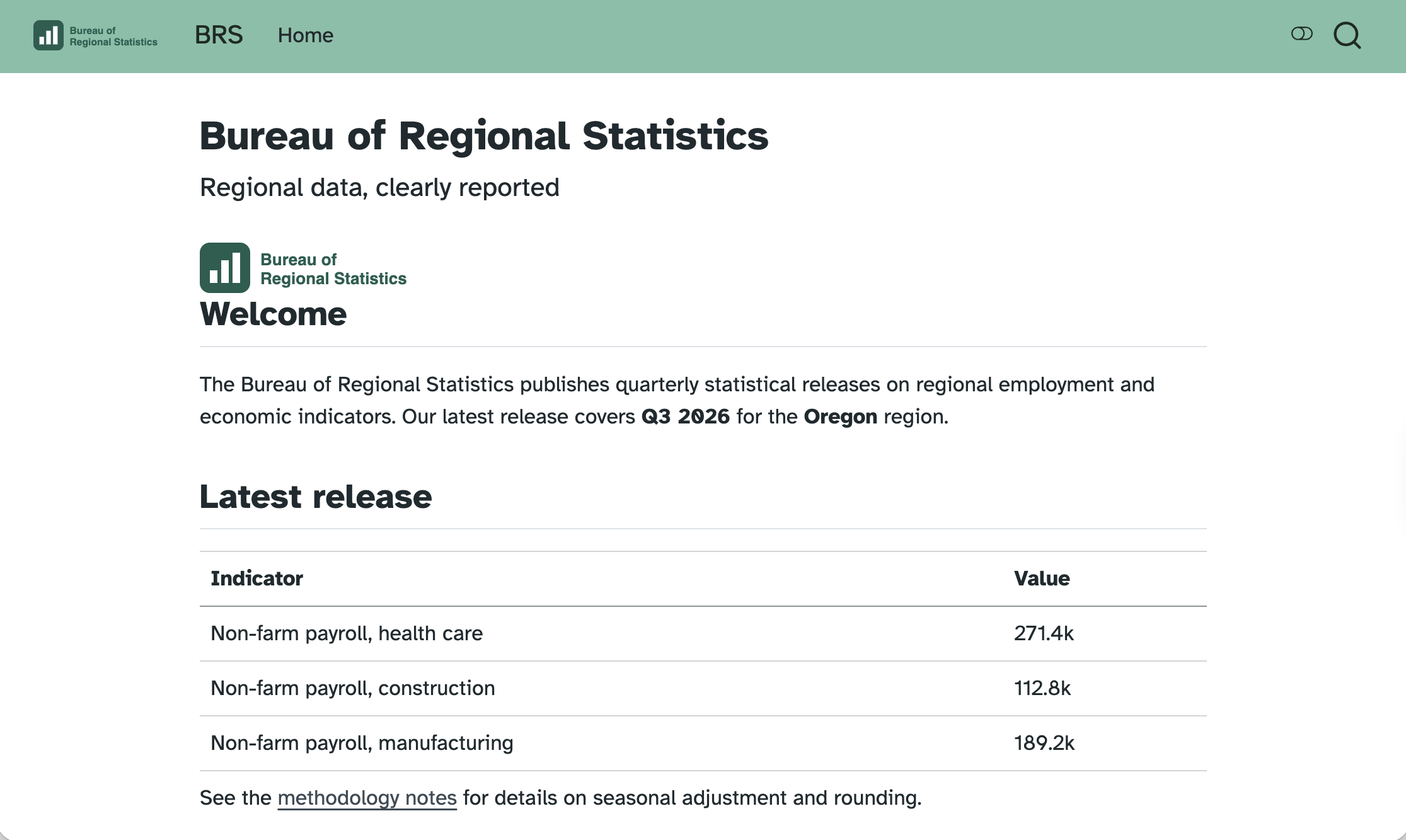
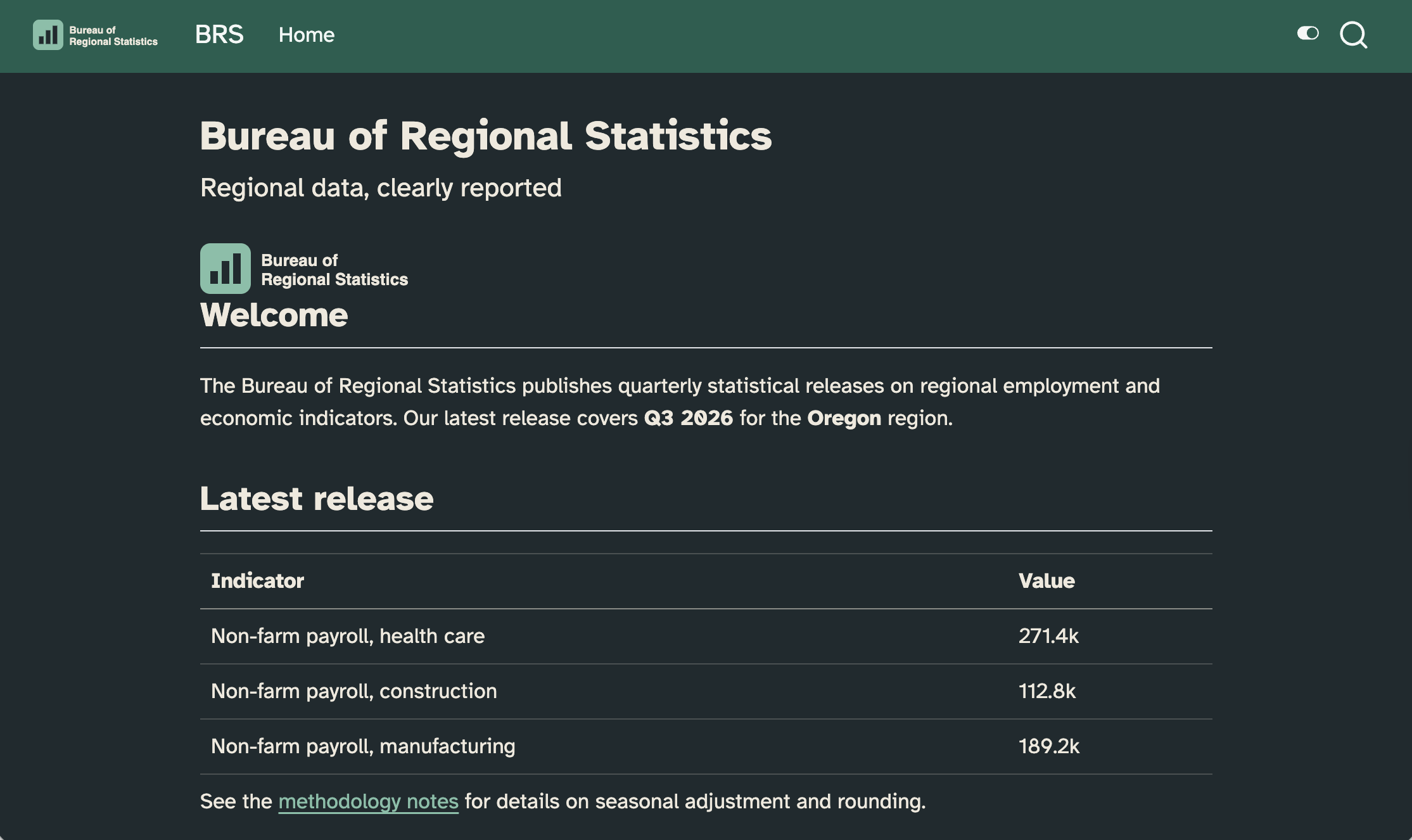
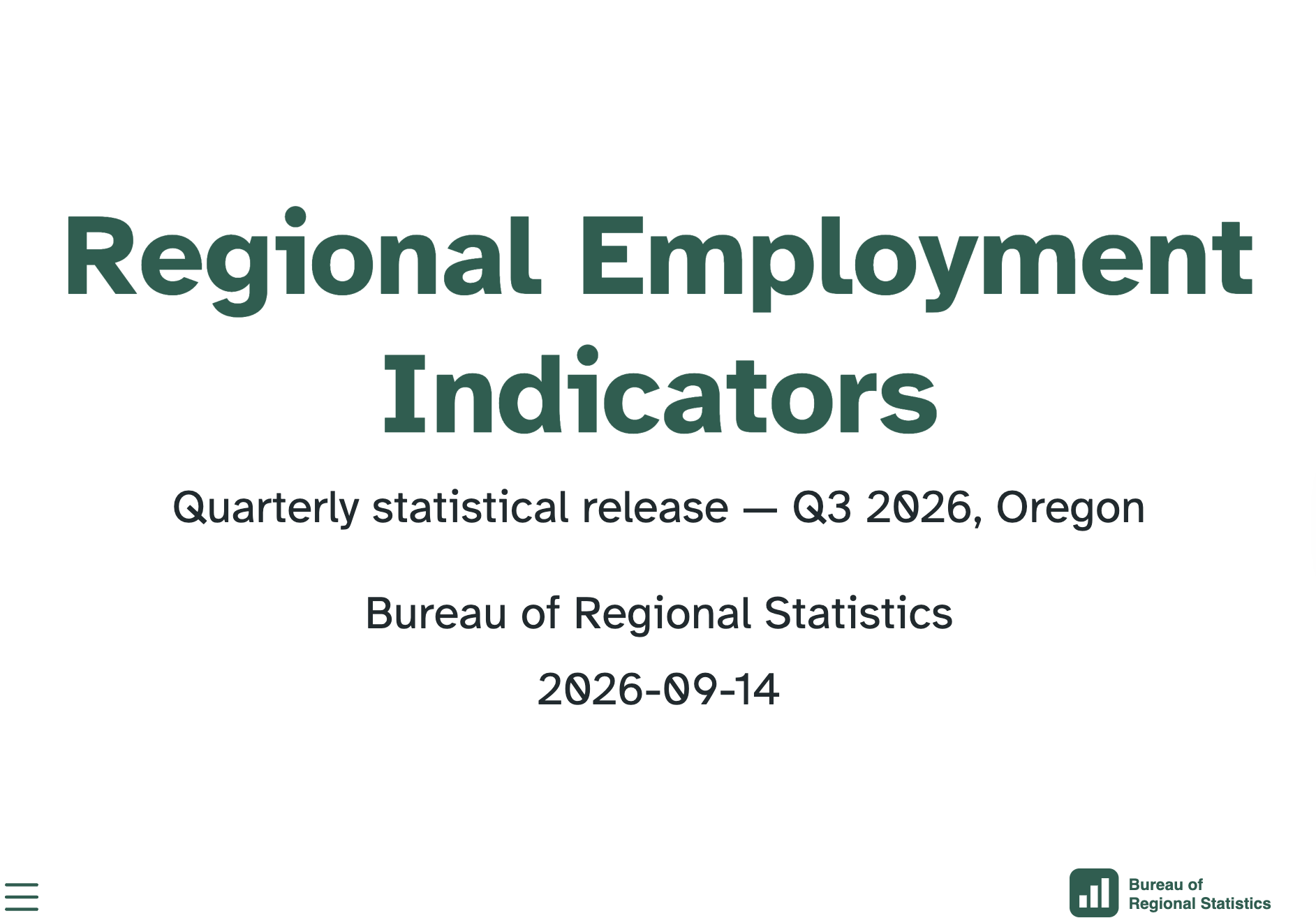
The same look, in how many places?
theme:— one SCSS file forhtml, another forrevealjsinclude-in-header:— fonts, againmainfont:,colorlinks:—pdfhas its own names- your plots —
theme_*()in R,theme()in Python - and again in the next project
Five descriptions of one brand, each drifting on its own schedule.
_brand.yml
Unified branding with a simple YAML file
One file, written once, applied across Quarto formats — and beyond Quarto.
Learn more: https://posit-dev.github.io/brand-yml
Two steps
Describe the brand in one
_brand.yml.Quarto applies it to almost every format.
No format-specific theming to write. No SCSS – unless you want to tweak bits of your document/website/slide deck brand doesn’t control via a YAML field.
Who reads _brand.yml?
Learn more: https://posit-dev.github.io/brand-yml
Five keys
meta— who the brand belongs to: name, linkslogo— the image files, at a few sizescolor— the palette, and the roles colors playtypography— fonts for base, headings, links, codedefaults— escape hatches for specific output formats
_brand.yml
_brand.yml
meta:
  name: Bureau of Regional Statistics
  link:
    home: https://example.gov/brs

logo:
  images:
    mark:
      path: brs-logo.svg
      alt: Bureau of Regional Statistics logo featuring a stylized bar chart
  small: mark

color:
  palette:
    forest: "#1b5e4f"
    ink: "#1f2933"
    slate: "#52606d"
    sand: "#f5f2ea"

  background: white
  foreground: ink
  primary: forest
  secondary: slate
  tertiary: sand

typography:
  fonts:
    - family: Atkinson Hyperlegible
      source: google
      weight: [400, 600]

  base:
    family: Atkinson Hyperlegible
    weight: 400

  headings:
    family: Atkinson Hyperlegible
    weight: 600

  link:
    color: primary
decoration: underlinemetais documentation for humans only, Quarto doesn’t use it.In
logo, paths resolve relative to the brand file.colorworks in two steps: name your colors inpalette, then say what role each one plays, e.g.,primary: forest, notprimary: "#1b5e4f".
Naming, then roles
_brand.yml
In SCSS these arrive as
$brand-forestand$primary.In Typst these arrive as
brand-color.primary.
defaults: the escape hatch
Applying it
- Save
_brand.ymlin the root of your project. - Render.
Quarto finds it, and applies it to every document in the project that supports it.
Using brand values in document
Use the brand shortcode, {{< brand color primary >}} anywhere a value goes — a div attribute, a background color, inline text:
Your turn 1: write a brand by hand
Exercise: 02-brand/01-first-brand
Render
report.qmdfirst, so you have something to compare against.Create
_brand.ymlin the same folder and name the agency’s colors:
- Render. What happened?
- Now give the colors jobs:
- Render. Then add
typographywith Atkinson Hyperlegible and render again.
More details in exercise README.
Once done, discuss with your neighbors: The palette colors are the agency’s. The role names are Quarto’s. Which of the two would you expect to change more often?
Your turn 1: takeaways
No
_quarto.yml, notheme:, nocss:, no need to name_brand.ymlinreport.qmd, just place in the same directory.Naming a color does nothing, assigning it does:
palettenames colors. The keys below it —foreground,background,primary,secondary— assign them.background: whiteis a literal CSS color, not a palette namesource: googlefetches the font at render time.basesets body text;headingssets every level of heading.
Light and dark
Two appearances, one document
Give theme a pair, and Quarto builds both:
- a toggle appears, top right
- the one listed first is the default
respect-user-color-scheme: truedefers to the reader’s OS or browser
One brand, two modes
Any color in
colorortypographytakes alight/darkpair.Colors in
palettecannot take a pair — name the color once, choose per mode where the role is assigned.
Two brands, two modes
When the modes differ by more than color, split the files and define use brand field in either the YAML of your document or in _quarto.yml:
Logos for both modes
For the project:
Formats that can’t toggle
Some formats produce only one appearance and offer no toggle between light/dark:
Content for one mode only
light-content/.dark-contentdivs place the content in the same place, same size, so the layout doesn’t jump when the reader toggles.{{< brand logo mark >}}already does this for you: it emits both, classed.
Your turn 2: one brand, two modes
Exercise: 02-brand/02-dark-mode
- Give
background,foregroundandprimarya value per mode:
- Add
respect-user-color-scheme: truetoreport.qmd, render, and switch your system appearance back and forth with the page open.
- Look at the link to the methodology notes in dark mode. Fix it: add a lighter green to the palette and use it for the dark half of
primary.
Stretch goal: Give secondary and tertiary mode values, then find something in the document that uses them, if any.
More details in exercise README.
Once done, discuss with your neighbors: The style guide gave you four colors and no dark mode. You invented mint. Is that a decision you are allowed to make, and who would you ask?
Your turn 2: takeaways
Getting colors and color contrast right, especially in light/dark mode, requires careful review and iteration.
A standalone page, unlike a website, has no toggle in the corner;
respect-user-color-schemeis how single pages use the dark stylesheet.
What brand doesn’t reach
The plot didn’t get the memo
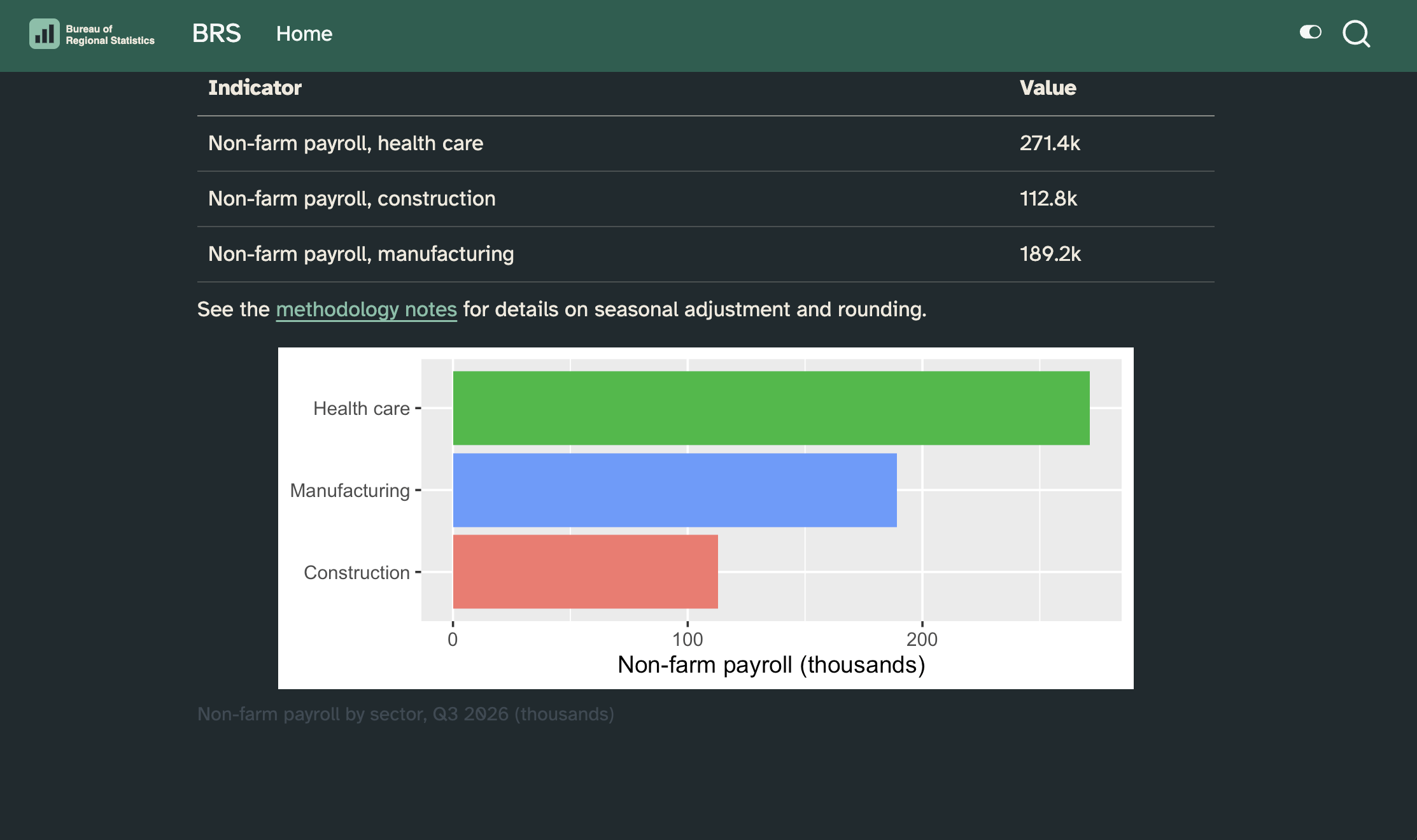
Theme helpers
The quarto packages turn a brand into a plot theme:
Or read the brand yourself
One source of truth, reachable from code.
Two modes need two plots
renderingssays: this cell produces one output per mode.
report.qmd
- The number of outputs must match the number of renderings.
renderings + caption or crossref
renderings and fig-/tbl- labels don’t mix
Layering and formats
Brand is the bottom layer
Suppose you have the following and a _brand.yml file in the directory:
Quarto reads this as:
Same trick, light and dark
Brand reaches four formats
html · dashboard · revealjs · typst
| Key | Where it lands |
|---|---|
foreground, background |
body text and page, in all four |
primary |
links, navbar (html), progress bar (revealjs) |
typography |
base, headings, links, code |
logo |
navbar, sidebar, slide corner, page corner |
defaults: bootstrap |
html and dashboard only |
Logos land in different places
Set small, medium, large — Quarto picks per location:
| Format | Location | Prefers |
|---|---|---|
html, dashboard |
top navbar | small › medium › large |
html |
side navigation | medium › small › large |
revealjs |
bottom right of slides | medium › small › large |
typst |
top left of the page | medium › small › large |
| website, book | browser tab favicon | small |
Your turn 3: second format + logo
Exercise: 02-brand/03-both-formats
- Add slides as a second format in
report.qmd:
Preview each format, discuss with your neighbor how brand is applied.
Register
brs-logo.svgin_brand.ymlasmark;smallandmedium.
Preview each format, is logo there?
Insert logo it in report, above
## Summary:
- Register
brs-logo-white.svgtoo, and give both sizes alight/darkpair.
Once done, discuss with your neighbors: What if you only defined small, medium, or large for one of the logos?
Your turn 3: takeaways
When both formats generate HTML, one of them need to output a filename that’s different than the name of the .qmd file, defined with
output-file.Not all formats use all inputs in
_brand.yml, e.g., HTML documents don’t get alogoby default, but elements defined in_brand.ymlcan be called explicitly with thebrandshortcode.content-hidden when-format="revealjs"is conditional content – keeps the shortcode out of the deck, which already has the logo in the corner.The brand shortcode emits two
<img>tags,light-contentanddark-content.
Sharing a brand
A brand is a file, so it can be a repo
- one brand, several projects — a website, a report, a deck, an app
- edited in one place, by whoever owns the brand
- versioned, so a change is a commit and not a surprise
The catch: Quarto needs the assets inside your project. Logos and font files can’t be referenced across the filesystem or the network.
quarto use brand
Terminal
Copies into _brand/, then makes it match the source: it asks before creating the directory, before overwriting a file, and before removing one the source no longer has.
Or a brand extension
- installs like any other Quarto extension
- update with
quarto update - distributed from a Git repository
Your turn 4: stop writing the brand
Exercise: 02-brand/04-shared-brand
Delete the brand you wrote, and both SVGs.
Preview the report without the brand to remind yourself what it looks like without it.
Change the directory to the exercise folder, then take the agency’s brand — with
--dry-runfirst, then without:
Look at what landed in
_brand/, preview both formats.Switch your system appearance to dark, what happens?
Your turn 4: takeaways
If the brand isn’t what you want, do not fix that by editing
_brand/_brand.yml. Instead, fix the source and runquarto use brandagain.quarto use brandtakes a local directory, a GitHuborg/repo, anorg/repo/pathwithin one, or a URL to a zip. It copies files into_brand/.--dry-runshows what would happen, without changing anything.--forceskips the prompts, which is what you might want if not working interactively, e.g., in a CI workflow.
Brand on a website
One brand, every page
A _brand.yml in the project root applies to the whole site:
Each page gets the brand’s colors and typography.
Navbar gets
primaryand the logo, insmallsize.Browser tab gets the favicon.
theme: brandis not required if no other theme is listed, but it is useful if the brand is built on a Bootswatch theme – same layering rule as before.
Dark mode comes built in
- Websites get a light/dark toggle in the navbar automatically when the theme has two halves:
- With
light/darkpairs in_brand.yml, the toggle flips the whole site, including navbar, links, code, and logo.
Your turn 5: brand the website
Exercise: 02-brand/05-website
- Change the directory to the exercise folder, bring the shared brand into the website project, then render the site:
- Set the navbar to the brand color:
- Render again and find everywhere the brand shows up: navbar, links, headings, favicon.
Give the site a light/dark toggle with
theme: light: brand, dark: brand, and flip it.Does the navbar logo stay readable in both modes? Remember: don’t edit the copy in
_brand/— what would you ask the brand owner for instead?
Stretch goal: Add a page that doesn’t exist yet — how much branding work does the new page take?
Your turn 5: takeaways
In a website project,
_brand.ymlapplies site-wide — pages, navbar, and favicon — with no per-page configuration.Websites get a built-in light/dark toggle; with
light/darkpairs in the brand, the whole site (including the navbar logo) follows it.
Wrap-up
Reaching brand values from code
| Where | How |
|---|---|
| SCSS | $brand-forest, $primary |
| Typst | brand-color.primary, brand-logo-images.mark.path |
| Markdown | {{< brand color primary dark >}}, {{< brand logo mark >}} |
| R | read_brand_yml("_brand.yml") |
| Python | Brand.from_yaml("_brand.yml") |
| Lua filter | require('modules/brand/brand'), brand.get_color('primary') |
Learn more
Multiformat branding with
_brand.yml— the semantic color list, the typography fields, every limitation calloutbrand.yml — the specification, and the other tools that read it
Dark mode — the toggle,
respect-user-color-scheme, mode-specific contentCell renderings —
renderings: [light, dark]More about Quarto themes — the SCSS layers, if you need to know what beats what