Practical Quarto: Patterns, templates, and tooling @ posit::conf(2026)
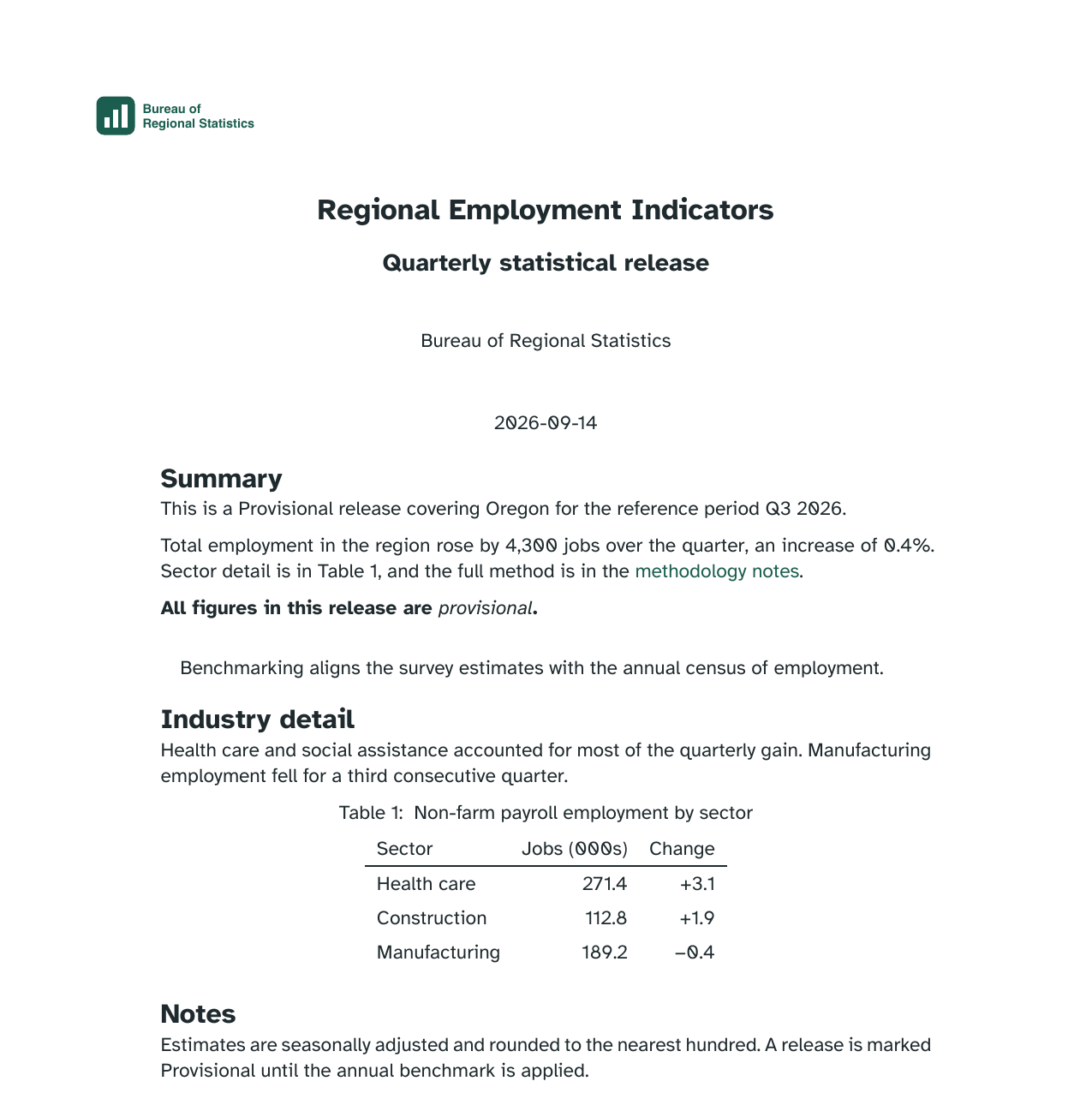
The Bureau of Regional Statistics publishes a quarterly release.
The Bureau of Regional Statistics quarterly release. Every one must carry:
Last module we built all three into an HTML title block. Now it has to be a PDF.
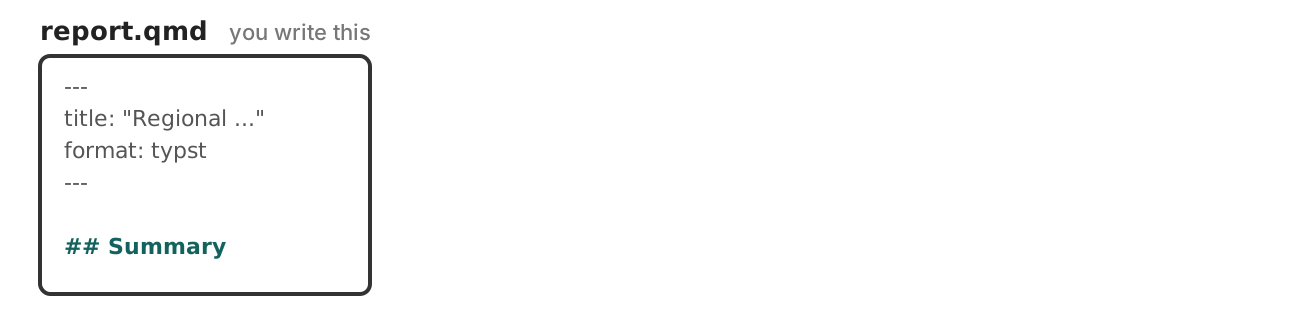
Add typst as a second format in report.qmd. Keep html:
Render with Quarto: Preview Format… command and pick Typst.
Render the HTML too. Compare the two formats.
Exercise: 04-typst/01-first-pdf
Already installed. format: pdf needs a LaTeX distribution. Typst ships inside Quarto.
Faster. Render, look, change, look again.
Uses your brand. Colors, fonts, and the logo, from the same _brand.yml.
| Last module | This module | |
|---|---|---|
| Where you write it | title-block.html, a partial |
report.qmd, the body |
| What you write | $brs-release.status$ |
{{< meta brs-release.status >}} |
| What it is | Pandoc template syntax | a Quarto shortcode |
Pandoc’s template syntax only runs when Pandoc is filling a template.
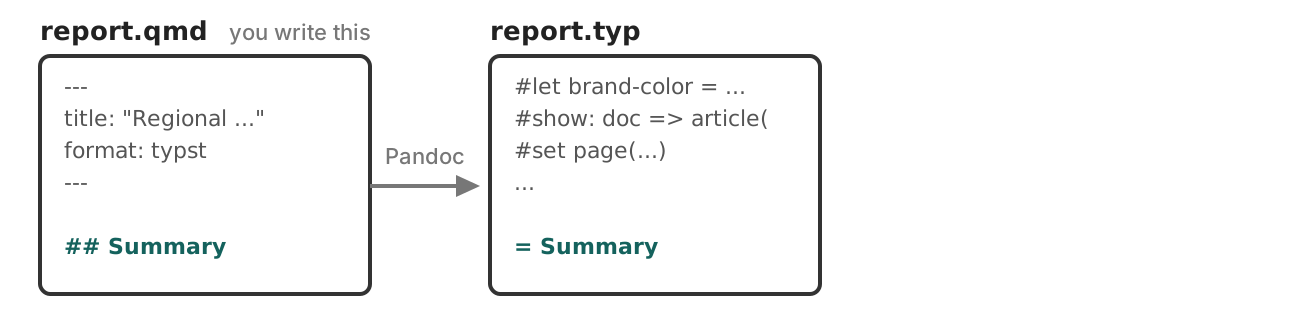
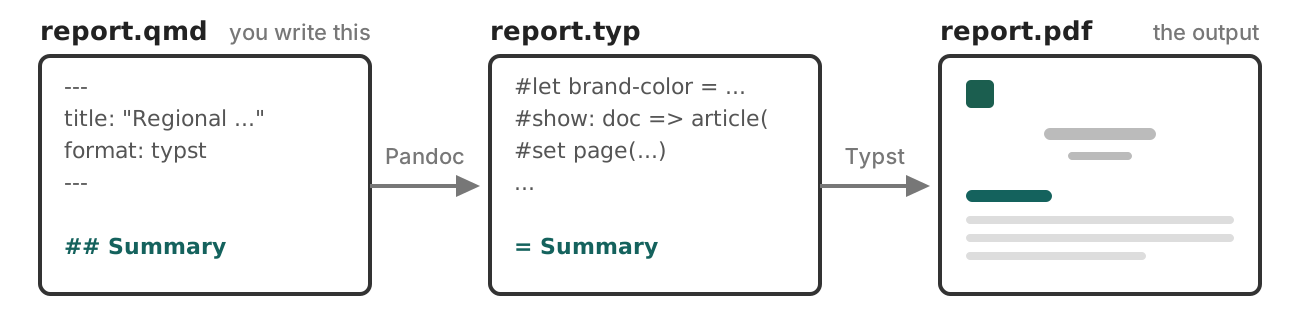
.qmd → .typ → .pdfreport.typ
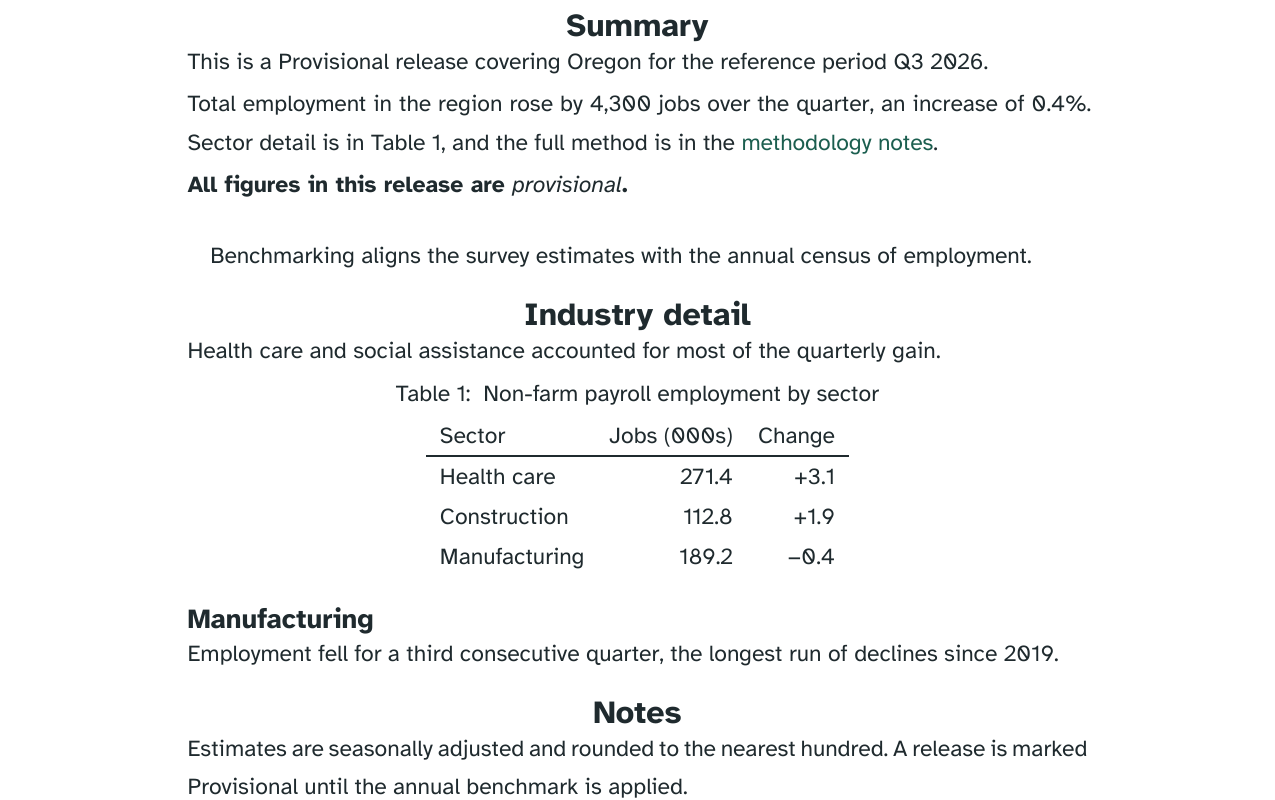
= Summary
<summary>
This is a Provisional release covering Oregon for the reference period Q3 2026.
Total employment in the region rose by 4,300 jobs over the quarter, an increase of 0.4%. Sector detail is in #ref(<tbl-sectors>, supplement: [Table]), and the full method is in the #link("https://example.gov/brs/methods")[methodology notes].
#strong[All figures in this release are #emph[provisional].]
#quote(block: true)[
Benchmarking aligns the survey estimates with the annual census of employment.
]Template contributes 431 lines above it…
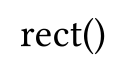
format: typst# switches into codeEmpty parentheses: a call with no arguments.
[] to pass content argumentsRender, then open report.typ. Scroll down to = Summary — everything below it is your content.
Find a call — it starts with #.
Search for the function in the Typst reference. Say in plain words what it does, and whether any arguments are being passed to it.
Again, with another one.
Exercise: 04-typst/02-read-the-typ
.qmdA raw block passes straight through:
Lands in report.typ untouched. Every other format ignores it.
Even if not explicitly called, all layout and styling happens with functions:
| Element | Its function |
|---|---|
| Text | text() |
| Heading | heading() |
| Paragraphs | par() |
| Page | page() |
set rule changes the defaultshow scopes it to an elementA show-set rule: the show keyword, a selector, a colon, then a set rule.
.where() narrows the selector.typ is already full of theseIn report.qmd, add a new raw block above the badge, so the rules apply to everything below.
Exercise: 04-typst/03-set-and-show
| You want | Reach for |
|---|---|
| rules used across documents | include-before: styles.typ |
| a header or footer on every page | override page.typ |
| a different title block | override typst-show.typ, typst-template.typ |
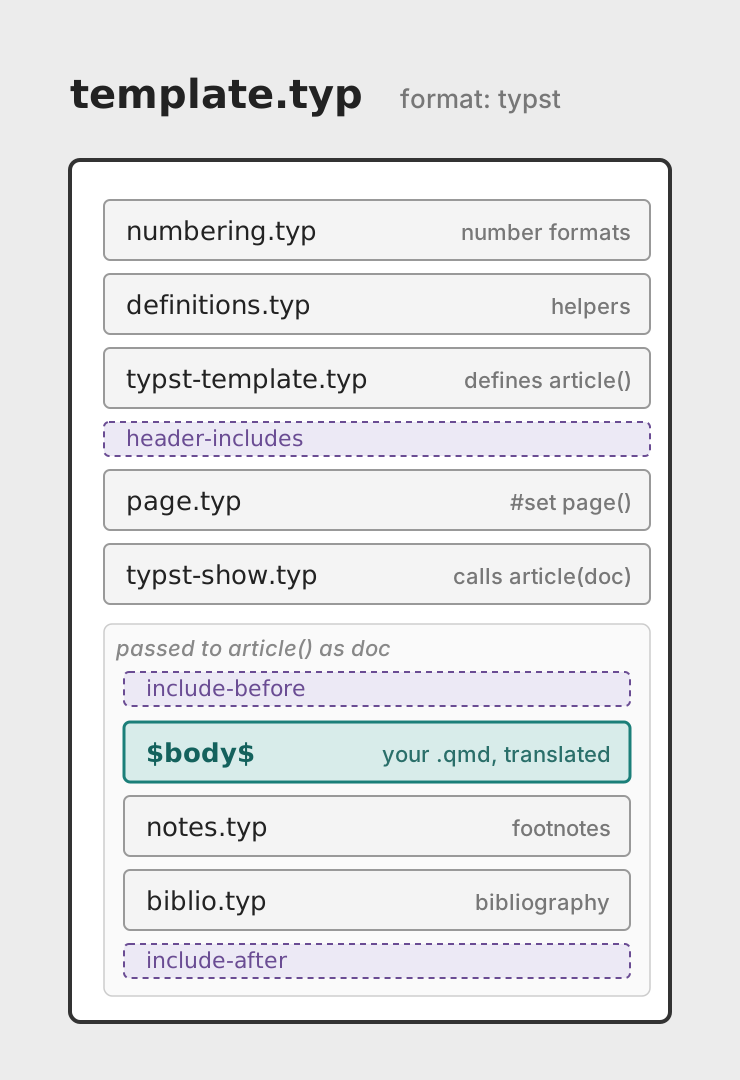
I've added page.typ, typst-show.typ and typst-template.typ,
unedited copies of Quarto's Typst partials, already registered in report.qmd.
Edit the partials to rebuild the title block:
title and subtitle alongside a right aligned the brand logo,
the reference period and region,
then the release status as a badge. Example: 04-typst/05-title-block
gt tables. Structure and CSS styling both translate. Stay in R.pdf-standard: ua-1. One line, and a tagged PDF.papersize, margin, page-numbering, columns..typ in your editorTinymist Typst — syntax highlighting and completion for .typ files.
Source for a version: quarto-cli/src/resources/formats/typst/pandoc/quarto